
Mildenhall and West Suffolk
Meeting room AV and video conferencing in Mildenhall and Suffolk
Few things waste more time than a meeting that starts with ten minutes of cables, adapters and "can you hear me". Solarsat installs meeting room AV and video conferencing for businesses around Mildenhall, planned around the way each room is actually used so meetings start on time and everyone can be seen and heard.
Phones and email Monday to Saturday, 8:30am to 6pm. Showroom visits by appointment.
Plan around how the room is used
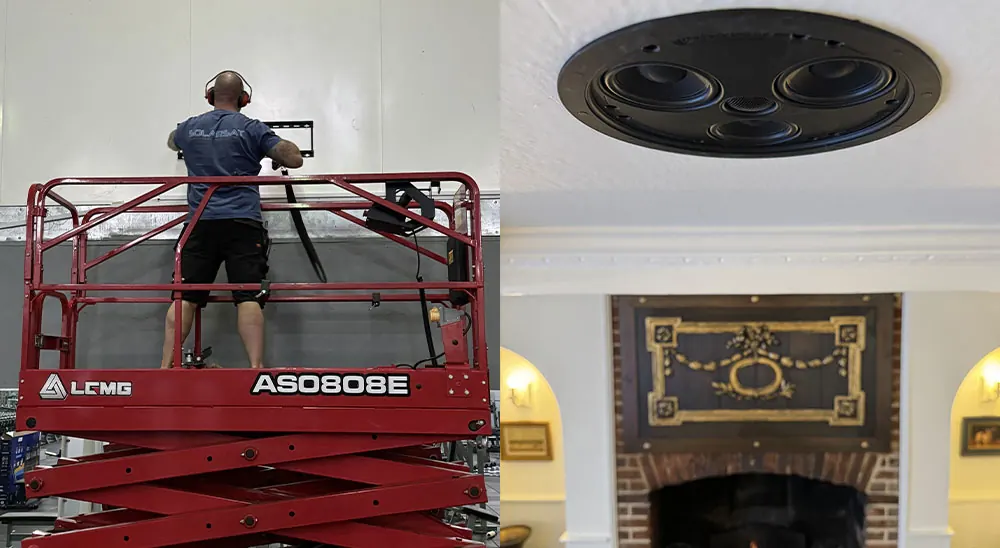
A two-person huddle space, a boardroom for twelve and a training room with a presenter at the front all need different equipment. Before recommending anything, we ask how many people normally meet in the room, how often calls involve remote colleagues, whether people bring their own laptops and who will be setting things up.
The room itself matters as much. Glass walls, hard floors and bare ceilings make speech echo, windows behind the screen cause glare, and a long narrow table changes where cameras and microphones should go. Small changes to furnishings often help the technology work better.
Consider what goes wrong now. If calls drop, if people at the far end of the table cannot be heard or if the screen is too small to read a spreadsheet, those problems point to exactly what needs to change.
The core equipment
Displays
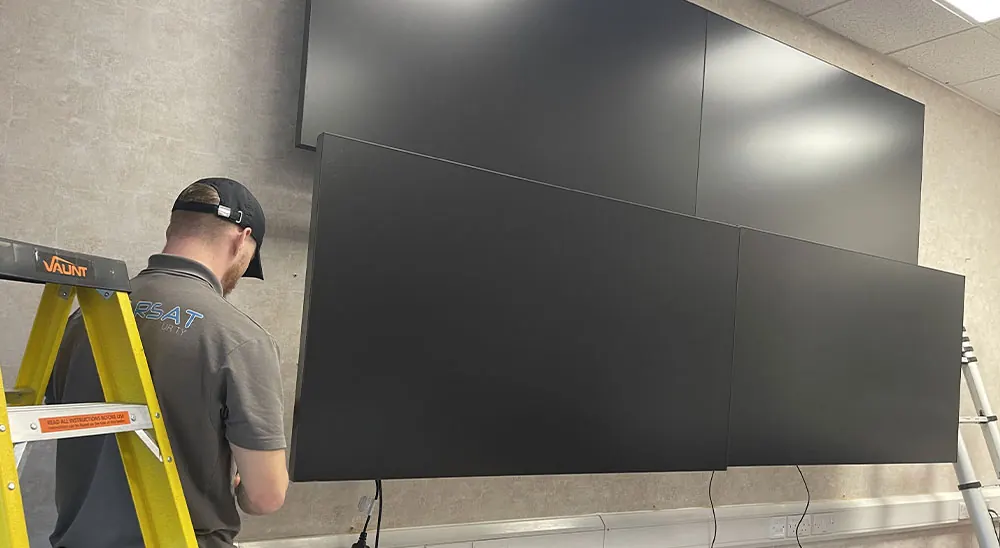
A screen sized so everyone at the table can read shared documents, or a pair of screens for content and remote participants.
Cameras
A camera positioned at the screen so remote attendees see faces rather than the tops of heads, with a field of view matched to the room.
Microphones
Table or ceiling microphones placed so every seat is picked up clearly, not just the person nearest the laptop.
Speakers
Sound that fills the room evenly so remote voices are easy to follow without being too loud at one end.
Shared content
A simple way to put a laptop, a document camera or a whiteboard view on screen for everyone in the room and on the call.
Cable management
Loose leads across a meeting table look untidy and get pulled out mid-presentation. We route cables through walls, floor boxes or the table itself, bringing a single, tidy connection point to where people sit.
Equipment such as the conferencing computer, switching and power can be housed behind the display or in a nearby cupboard, with a wired network connection for reliable calls. Labelling and a simple layout make it easier for anyone to check connections if something is unplugged.
Power at the table is as important as video. Charging points let people stay plugged in during long meetings without stretching leads across the floor.
Simple control
The best meeting room is one where nobody needs instructions. A touch panel or a single button to start a scheduled call, share a laptop screen or switch the display on removes most of the frustration. Wireless presentation lets visitors share their screen without hunting for the right adapter.
We set up the system so the common tasks are obvious and the advanced options are there for those who need them, then walk your team through it. Settings can be adjusted later as the way you work changes.
Lighting plays a part too. Dimming the lights near the screen while keeping faces well lit makes a big difference to how people look to colleagues on the other end of a call.
Beyond the meeting room
Many businesses equip several rooms at once, from small huddle spaces to a main boardroom. Keeping the controls consistent across rooms means staff only have to learn one way of working.
With some people in the room and others joining remotely, rooms need to work for both groups. Remote colleagues should be able to see the whiteboard and hear side conversations, so they stay part of the meeting rather than watching from outside it.
Video conferencing depends on the network behind it, so we can review Wi-Fi coverage and cabling at the same time. We also install video walls, PA systems and presentation screens for receptions, training rooms and larger spaces.
New staff, software updates and new devices all affect a meeting room over time, so it pays to have someone local to call when something stops working.
Related services
Often installed together
Audio-visual and home cinema
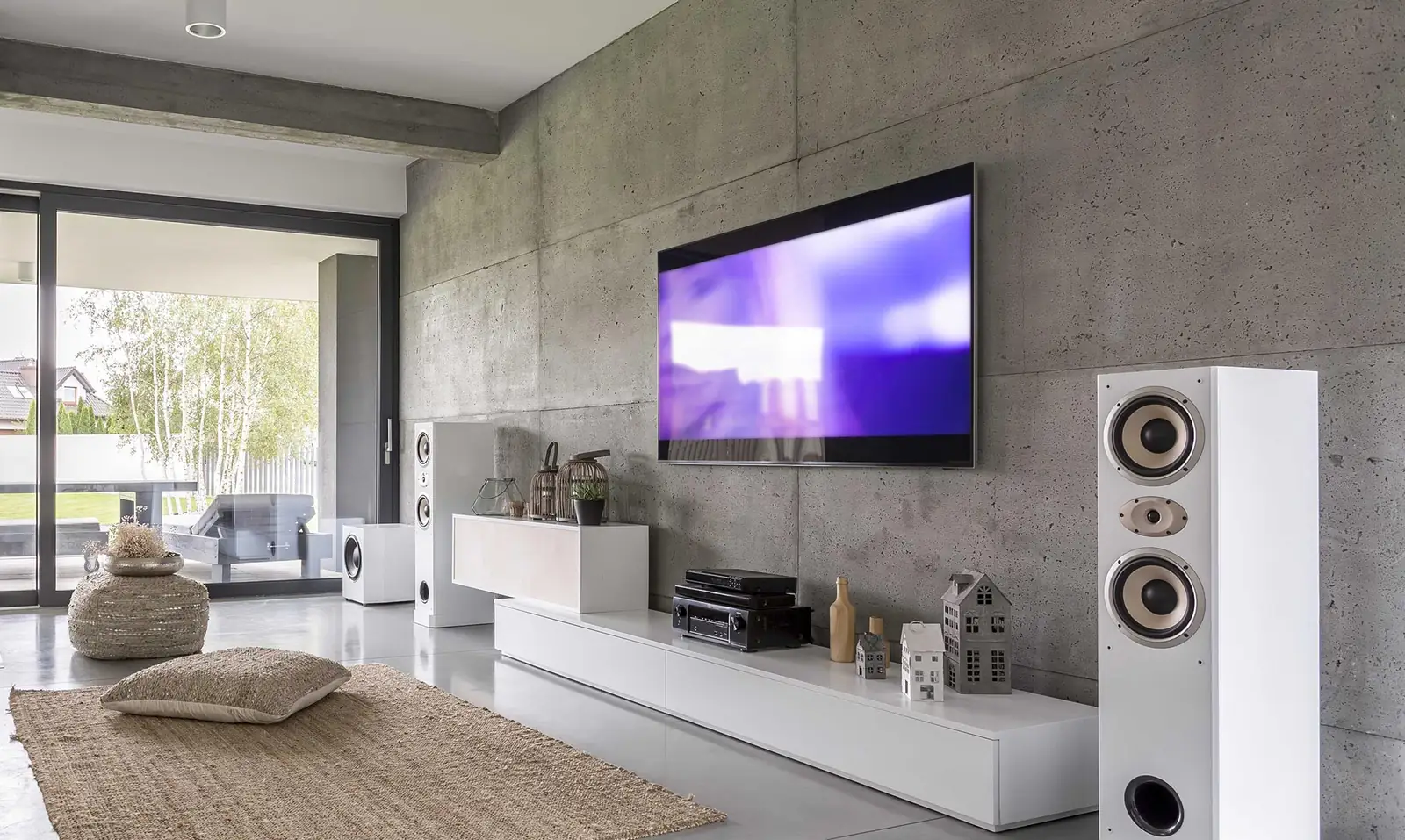
TV wall mounting, media walls, home cinema, multi-room music and commercial AV, designed and installed by our own team.
Find out moreProjector installation
Projectors and screens chosen for the room, mounted in the right place with hidden cables and simple control.
Find out more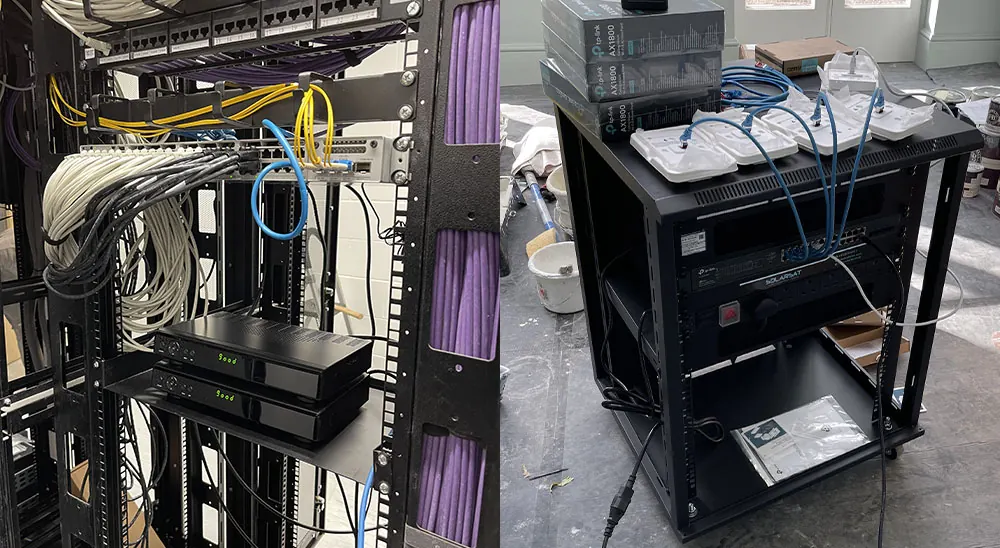
Data and network cabling
Wired network sockets, data cabinets and structured cabling for offices and homes, planned for growth and easy to maintain.
Find out more
FAQs
Meeting room AV and video conferencing questions
Enquiries
Get a quote for meeting room AV and video conferencing
Tell us a little about your property and what you need. We will get back to you to talk it through.
- 01638 515551
- info@solarsat.co.uk
- Phones and email Monday to Saturday, 8:30am to 6pm
- 8 High Street, Mildenhall, Suffolk IP28 7EQ. Showroom visits by appointment.