
Mildenhall and West Suffolk
Point-to-point wireless bridges in Mildenhall and Suffolk
When the internet is in the house but you need it at the bottom of the garden, across the yard or in the building next door, a point-to-point link is often the cleanest answer. Solarsat installs wireless bridges that join separate buildings into one network, with no trench and no cable buried under the lawn.
Phones and email Monday to Saturday, 8:30am to 6pm. Showroom visits by appointment.
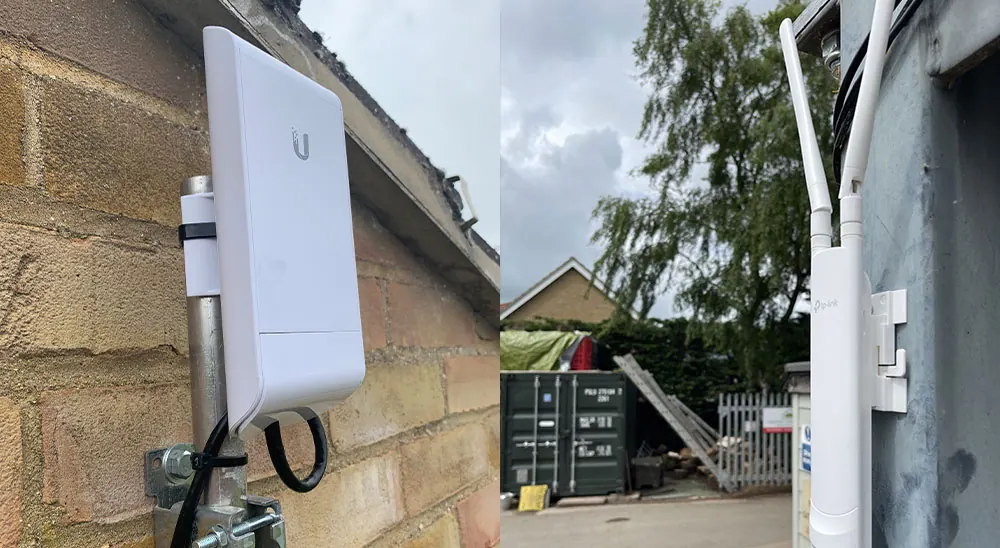
How a wireless bridge works
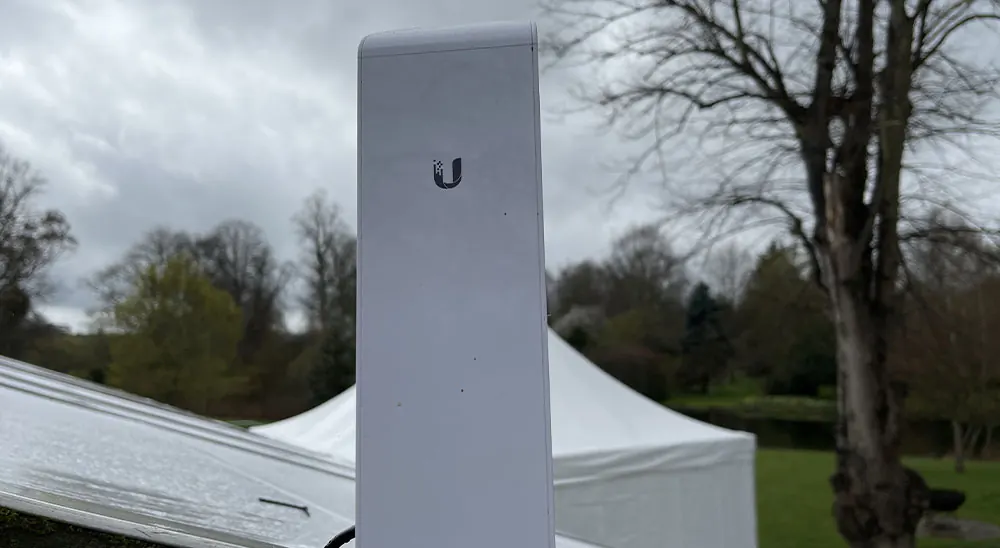
A point-to-point link uses a pair of small, focused antennas, one on each building, aimed directly at each other. Rather than spreading a signal in every direction like a router, each unit sends a narrow beam to its partner, which lets the link travel much further and stay stable.
At each end, the antenna connects by network cable to the equipment inside. As far as your devices are concerned, the remote building is simply part of the main network, sharing the same internet connection, printers and cameras.
Bridges are not limited to a single pair. A central building can link to several others, and a link can be relayed through an intermediate building when there is no direct line of sight.
Buildings people connect
Garden offices
Dependable video calls and file transfers for anyone working from a cabin or studio at the end of the garden.
Workshops and garages
A connection for laptops, music, security cameras and smart devices in a detached workspace.
Barns and stables
Network access in agricultural or equestrian buildings for cameras, monitors and phones.
Annexes and second premises
Sharing one connection between a house and an annexe, or between two business units on the same site.
Gate and yard cameras
Feeds from remote cameras carried back to the main recorder, so footage from a distant gate or yard is stored with everything else.
Line of sight, distance and weather
The two antennas need to see each other. Trees, hedges, buildings and even the brow of a hill can get in the way, so the first job is finding mounting points with a clear path between them. Sometimes that means a bracket higher up a gable or a short pole to lift the antenna above an obstruction. Allow for trees that will be in full leaf in summer.
Distance and weather both play a part. Longer links need more careful alignment, and very heavy rain can affect some links more than others. We choose equipment to suit the distance involved, align it precisely and fix it firmly so wind does not nudge it off target.
Before installing, we look at the path between the buildings, the mounting surfaces at each end and how cables will get from the antenna to the equipment inside. Each end also needs power, usually supplied through the same network cable.
Keeping the link secure
Because a bridge carries your network through the air, it needs to be locked down. The two units are paired with each other and the traffic between them is encrypted, so a passer-by cannot simply join it like an open hotspot. Management passwords are changed from their defaults and the units are kept up to date.
Inside each building, we decide how the remote end should behave. A garden office might share everything with the house, while a workshop used by visitors or staff might sit on a separate part of the network so it cannot see personal devices.
Physical security matters as well. Units are mounted out of easy reach where possible, and the cable entry into each building is sealed and tidy.
Bridge or outdoor access point?
An outdoor access point and a point-to-point link solve different problems. An outdoor access point broadcasts Wi-Fi over an area such as a patio, garden or courtyard, so phones and laptops can connect while you are outside. A bridge does not provide Wi-Fi to people at all; it carries the network from one fixed point to another.
Many properties use both. The bridge brings the connection to the outbuilding, and an access point inside or outside that building then gives people a signal to use. If the distance is short and there is no clear path, a cabled run or a planned access point may be better, and we will say so.
If you are unsure which you need, tell us what you want to do in the other building and we will suggest the simplest way to get the connection there.
Related services
Often installed together
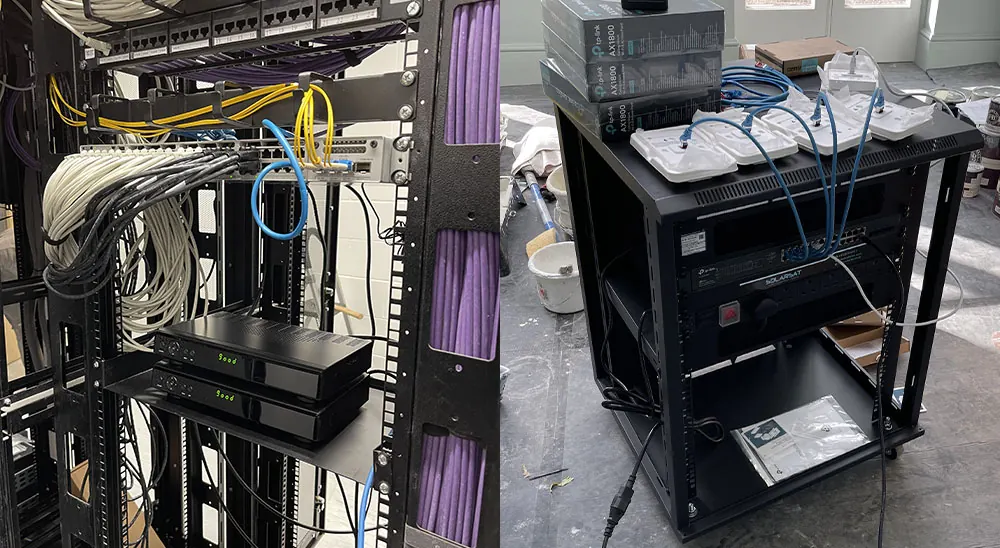
Wi-Fi and networking
Whole-property Wi-Fi, outdoor coverage, wired network points, data cabinets and wireless links between buildings.
Find out moreData and network cabling
Wired network sockets, data cabinets and structured cabling for offices and homes, planned for growth and easy to maintain.
Find out more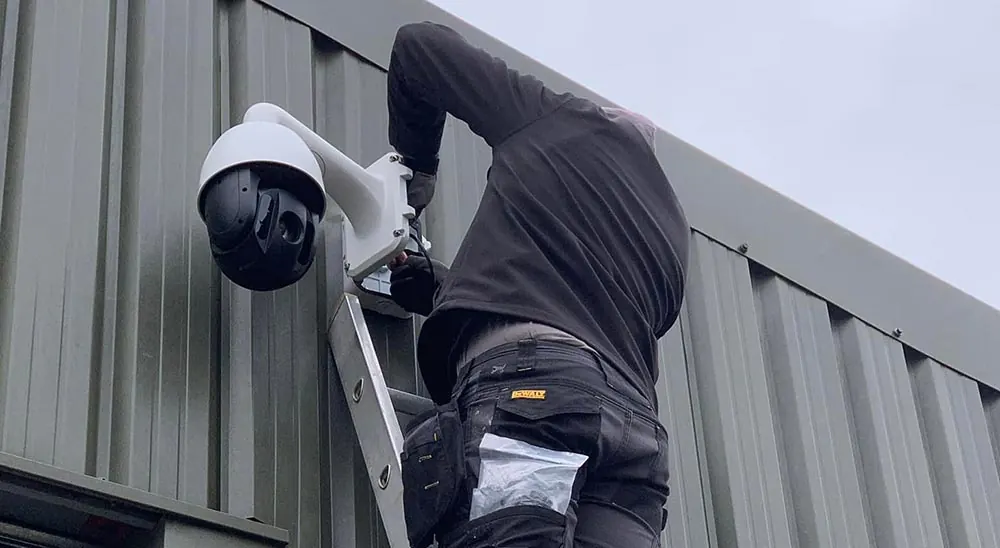
Farm CCTV installation
Cameras for yards, gates, barns and outbuildings, linked across the farm with wireless bridges and alerts to your phone.
Find out more
FAQs
Point-to-point Wi-Fi links questions
Enquiries
Get a quote for point-to-point Wi-Fi links
Tell us a little about your property and what you need. We will get back to you to talk it through.
- 01638 515551
- info@solarsat.co.uk
- Phones and email Monday to Saturday, 8:30am to 6pm
- 8 High Street, Mildenhall, Suffolk IP28 7EQ. Showroom visits by appointment.