
Solarsat guide
Broadband and Wi-Fi for holiday lets and annexes
Guests and occupants expect to connect in the rooms they use, not only beside the router. A reliable setup for a holiday let or annex starts with the building layout, expected occupancy and available broadband. It also needs a straightforward way to share access without exposing the owner’s private devices or making routine support difficult.
Phones and email Monday to Saturday, 8:30am to 6pm. Showroom visits by appointment.
Start with occupancy and everyday use
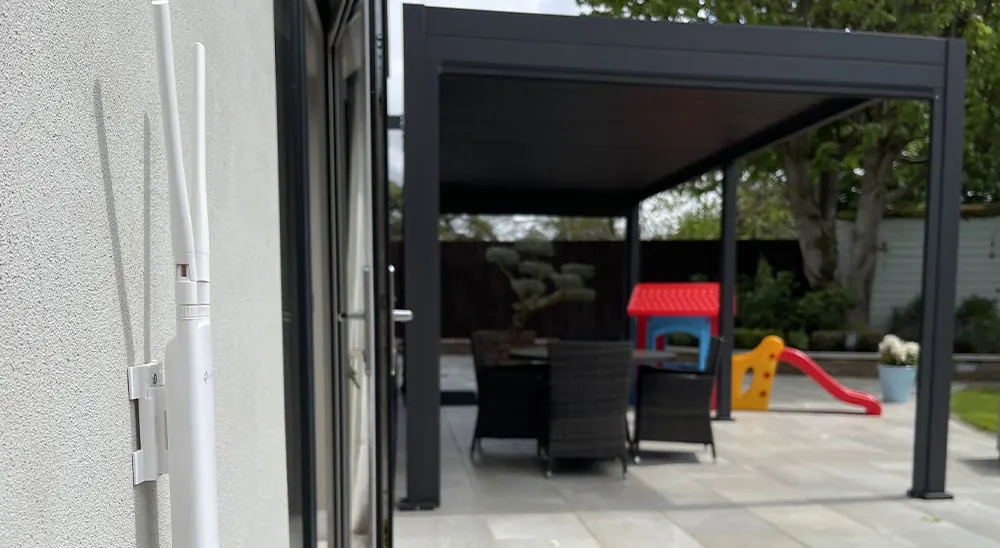
Consider how many guests may stay at once, the number of bedrooms and whether people will work remotely, stream programmes or make video calls. Include outdoor seating or garden areas if coverage there is part of the offer. This helps estimate access point locations and whether the service’s capacity is appropriate for the property’s use.
Check what broadband technologies are available at the address and whether the service terms suit a let or shared property. Ask the provider about usage limits, support and any conditions that apply. A fast result on one device cannot guarantee that several simultaneous users will have the same experience, particularly at busy times or when the underlying connection is variable.
Design coverage for the whole guest area
Draw a simple floor plan and mark the router, thick walls, staircases and places guests are likely to use devices. Place wireless access points in open locations that can reach the main router or a wired network connection. Avoid locating equipment in locked owner cupboards if it needs ventilation or may need a basic reset, while keeping it protected from guests and accidental damage.
If the let is in an annex or separate building, assess the route between buildings. Ethernet in a suitable protected route can offer a stable link. A point-to-point wireless bridge may be an option where there is an appropriate line of sight and mounting position. A mesh node placed at the far building cannot create a strong link if the signal cannot reach it reliably.
Give guests access without compromising privacy
Use a guest network or equivalent isolation feature where the equipment supports it. Guests need internet access, not access to owner computers, printers, cameras or smart home controls. Give the guest network a clear name and a unique password. If you use a printed information card, change the password when appropriate and avoid exposing router administration details.
Keep management access limited to authorised people and update equipment as recommended. Avoid sharing the main administrator password with cleaners or guests simply to make connectivity easier. If a property manager needs to assist with basic support, agree a safe process and document which devices can be restarted without changing network settings.
Make instructions and support simple
Provide concise instructions showing the network name, password and where to find help. Keep wording readable and place it somewhere easy to locate, such as a welcome guide. Explain any limitations honestly, for example if garden coverage is not intended or if a particular streaming service requires the guest’s own account.
Keep the router and access points labelled, with a record of their locations and power supplies. If guests report a problem, establish whether one device or all devices are affected, and whether the issue is in one room or throughout the property. This simple information can help identify a local Wi-Fi problem, an internet outage or a device-specific issue without repeatedly resetting equipment.
Test before welcoming guests
Walk through the property with a phone or laptop and test the areas included in the guest experience. Check more than one device and try a typical video call or streaming session. If the property has more than one floor or a garden seating area, test each one rather than assuming a central router covers it all.
Repeat checks after furniture changes, building work or replacement equipment, as these can alter coverage. Keep the network diagram and provider support details available to the owner or manager. If service is important to bookings or remote work, consider the impact of an outage and whether a backup connection is worthwhile for the specific location and operating needs.
In holiday lets and self-contained annexes, separating the guest Wi-Fi network from the owner network keeps smart heating, CCTV and private devices isolated while giving visitors a simple login. Positioning a wired ceiling or wall access point inside the annexe itself avoids weak signal through thick stone or insulated external walls and reduces guest support calls during stays.
Have a question about your own property? Contact our Mildenhall team.
Related services
Services this guide covers

Wi-Fi and networking
Whole-property Wi-Fi, outdoor coverage, wired network points, data cabinets and wireless links between buildings.
Find out more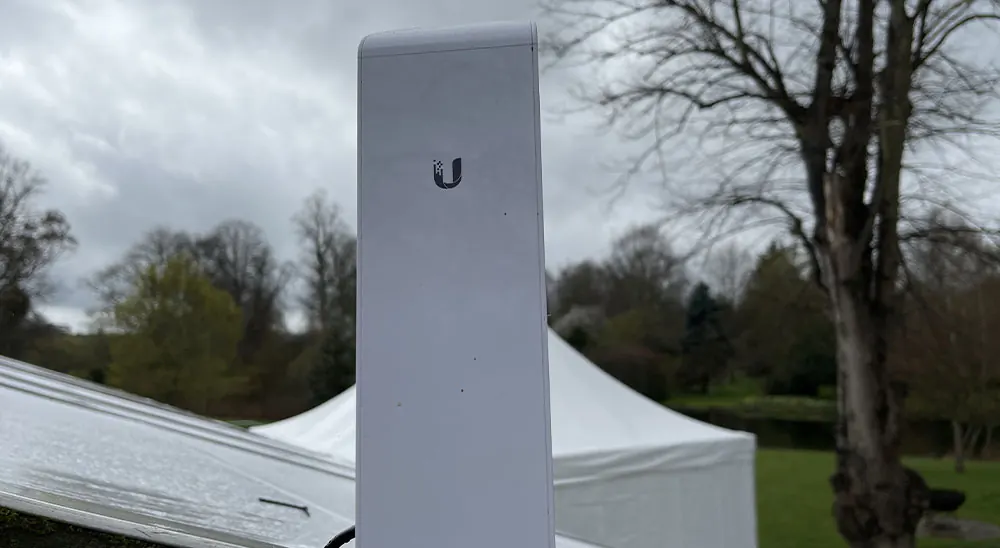
Rural broadband
Fast, reliable internet for rural homes and businesses using 4G, 5G and Starlink, with planning, installation and support.
Find out more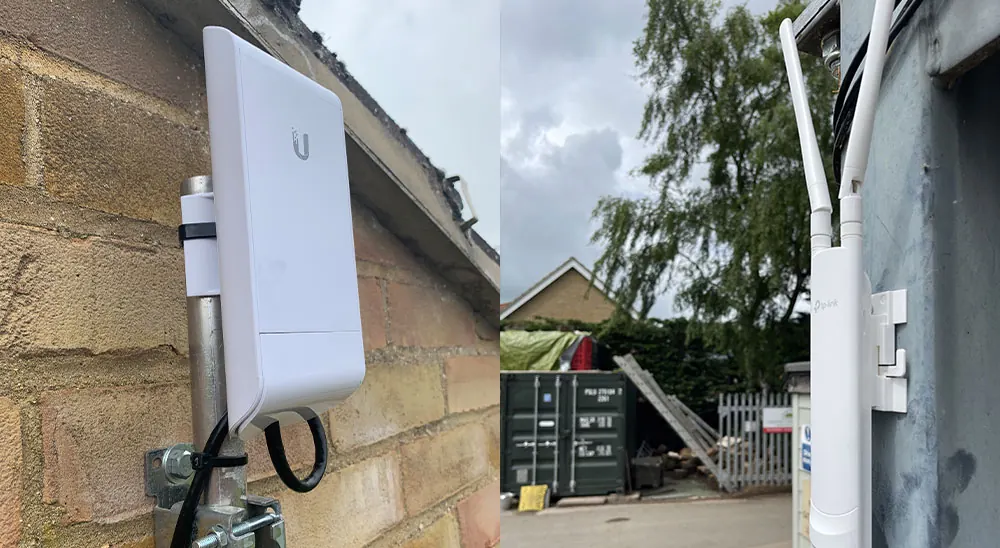
Point-to-point Wi-Fi links
Wireless bridges that carry your network to a garden office, workshop, barn or second building without digging a trench.
Find out more
FAQs
Frequently asked questions
Want advice for your own home or business?
Call our Mildenhall team or send an enquiry and we will talk through the options.
Enquiries
Ask us a question or get a quote
Tell us a little about your property and what you need. We will get back to you to talk it through.
- 01638 515551
- info@solarsat.co.uk
- Phones and email Monday to Saturday, 8:30am to 6pm
- 8 High Street, Mildenhall, Suffolk IP28 7EQ. Showroom visits by appointment.