
Guides
Guides to AV, security and Wi-Fi
Straightforward advice to help you plan CCTV, alarms, Wi-Fi, broadband and TV for your home or business.
Phones and email Monday to Saturday, 8:30am to 6pm. Showroom visits by appointment.
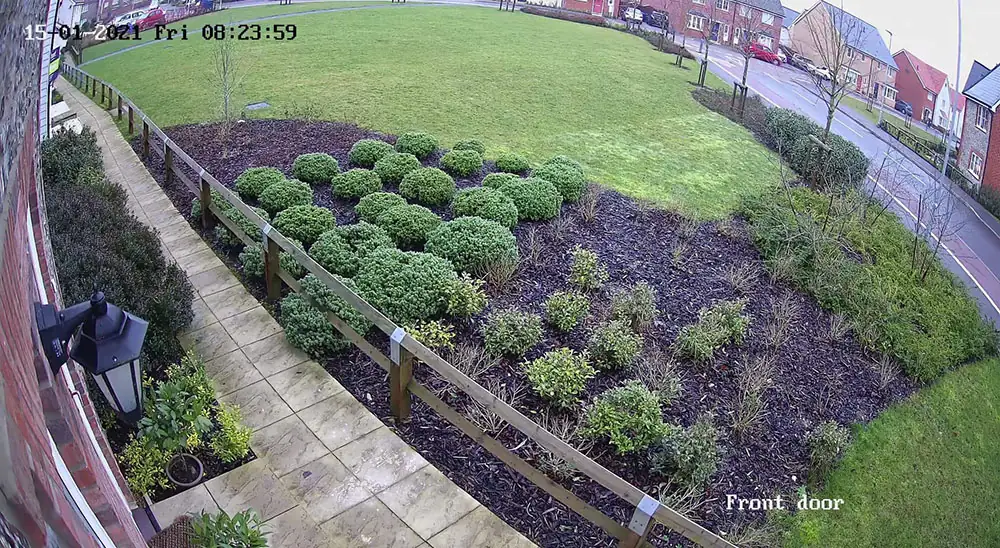
CCTV at home: what the law says in the UK
Where you can point cameras, when signs are needed and how to handle neighbours and footage requests.
Read the guide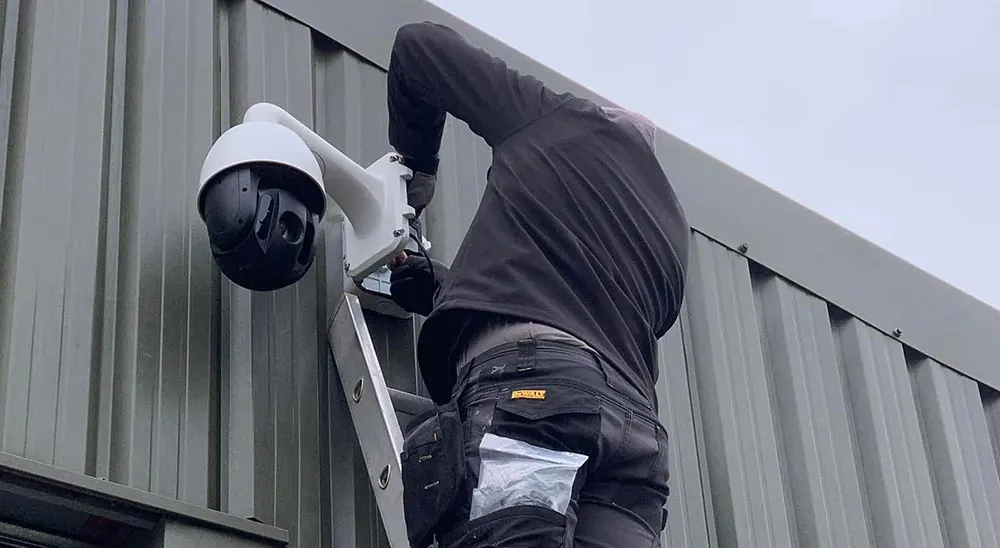
How much does CCTV installation cost in the UK?
Typical UK guide figures for installed systems, kit, labour and monthly storage, and what drives the price.
Read the guide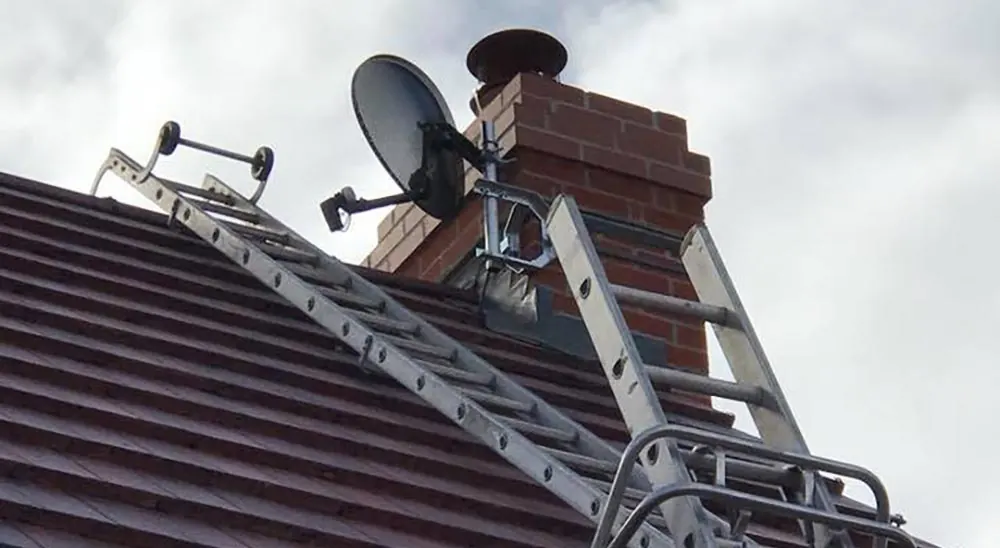
Starlink vs fibre vs 4G/5G broadband for rural homes and farms
How satellite, full fibre and mobile broadband compare on speed, latency, cost and reliability in the countryside.
Read the guide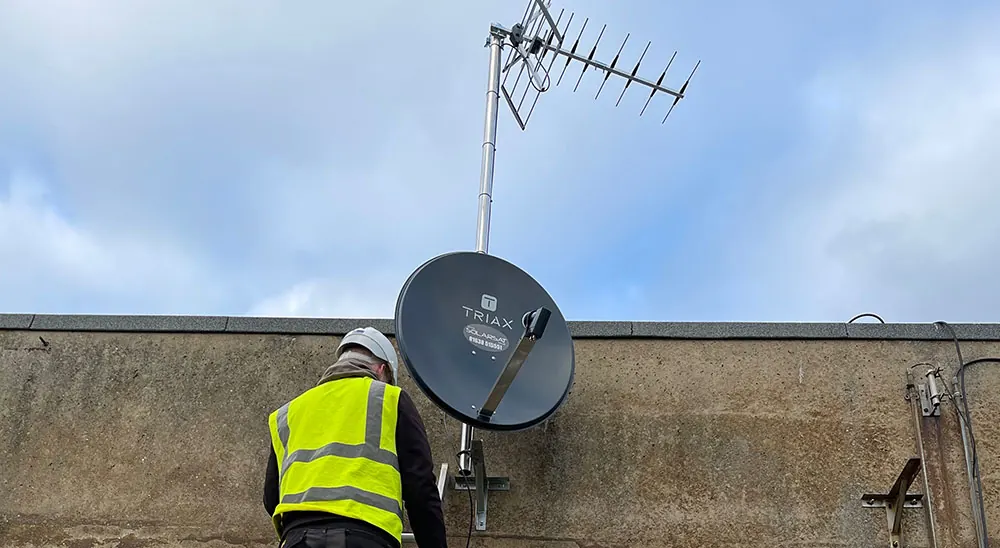
TV aerial vs satellite vs streaming: which suits a rural home
How reception, dish choice and broadband speed decide the best way to watch TV in the countryside.
Read the guide
Wired vs wireless vs monitored alarm systems: how to choose
The real differences between wired, wireless and monitored alarms, and how to avoid false alarms.
Read the guide
Fixing Wi-Fi dead spots in large or thick-walled homes and outbuildings
Why signal disappears in big or old buildings, and when to use mesh, wired access points or a building-to-building link.
Read the guide
TV wall mounting and brackets: a practical UK guide
Choosing the right bracket, checking what sits behind the plaster, setting viewing height and avoiding costly wall mistakes.
Read the guide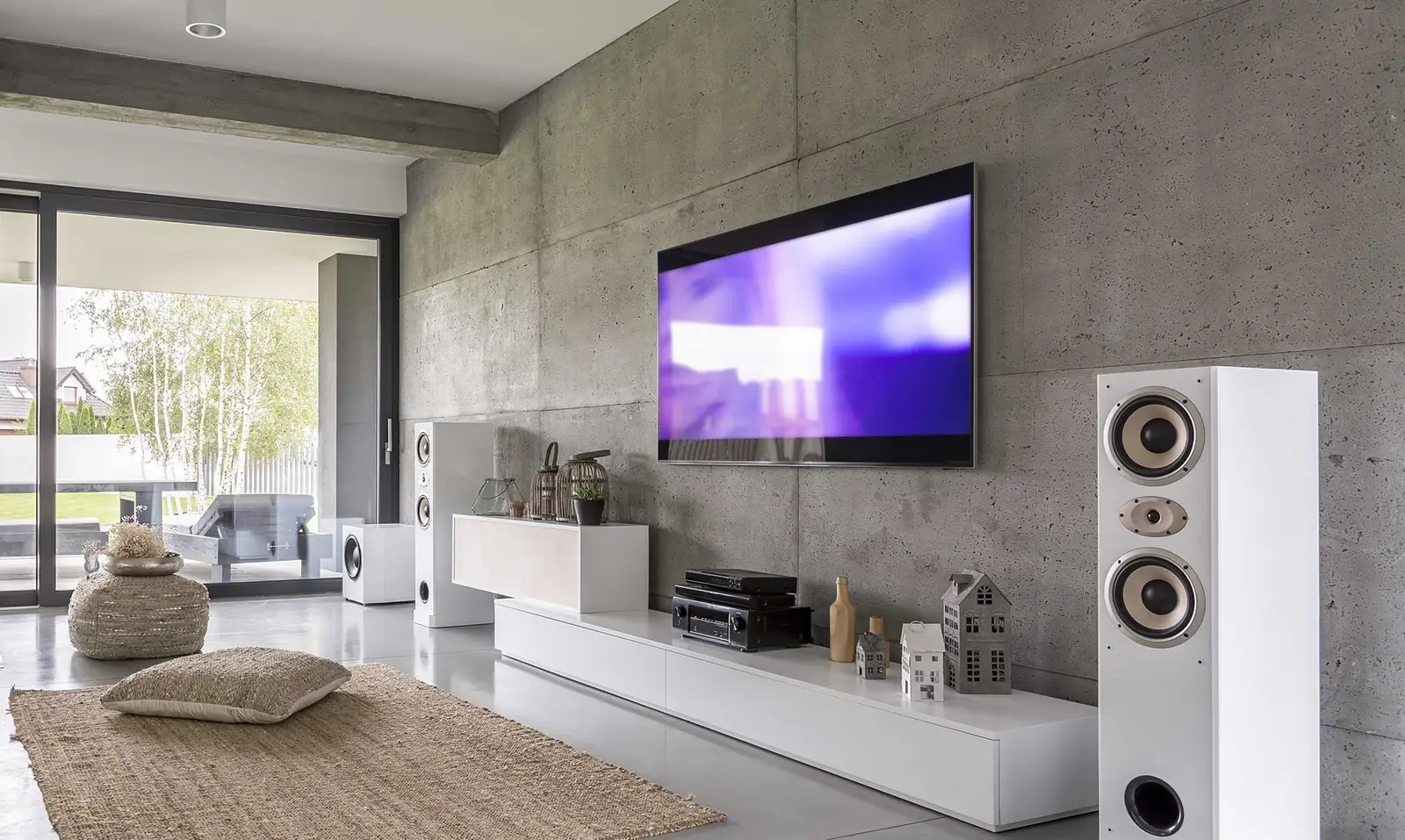
How to hide TV wires safely on any wall
Surface trunking, brush plates, chasing brick walls, recessed sockets and the electrical safety rules to follow.
Read the guideTV aerial and Freeview installation: what to expect
Loft vs roof aerials, transmitter alignment, multi-room distribution, cost factors and avoiding reception issues.
Read the guidePoor TV signal: common causes and how to fix it
Diagnosing pixelation, missing channels, water-damaged cables, faulty splitters and storm-moved aerials.
Read the guideSatellite dish installation and realignment: a UK guide
Dish placement, line of sight, chimney vs wall brackets, storm realignment and LNB checks.
Read the guideSky and Freesat setup basics for UK homes
Wideband vs standard LNBs, switching from Sky to Freesat, multi-room feeds and combining satellite with an aerial.
Read the guide
Home cinema and surround sound: how to plan it properly
Dedicated rooms vs living rooms, TV vs projector, speaker layouts, first-fix wiring and common pitfalls.
Read the guide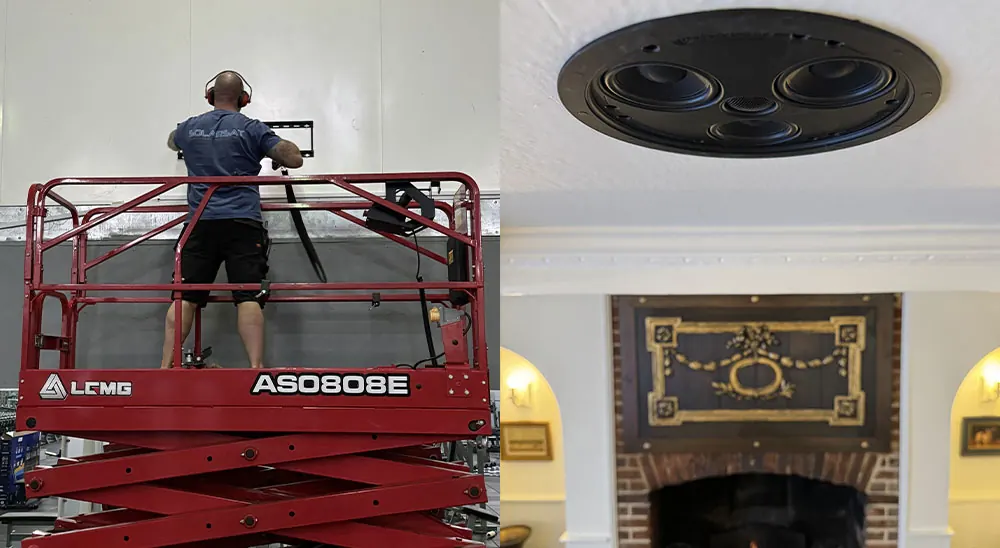
Multi-room audio: planning ceiling and garden speakers
Ceiling vs wireless speakers, zoning rooms and gardens, central racks, Wi-Fi reliability and planning during renovations.
Read the guideSmart home basics: lighting, heating and joined-up control
Bringing lighting, heating, blinds, AV and security together cleanly, wired vs wireless retrofits and avoiding app clutter.
Read the guide
Home network cabling and data sockets: a practical guide
Where wired Cat6 sockets beat Wi-Fi, data cabinets and patch panels, first-fix planning and testing cables.
Read the guide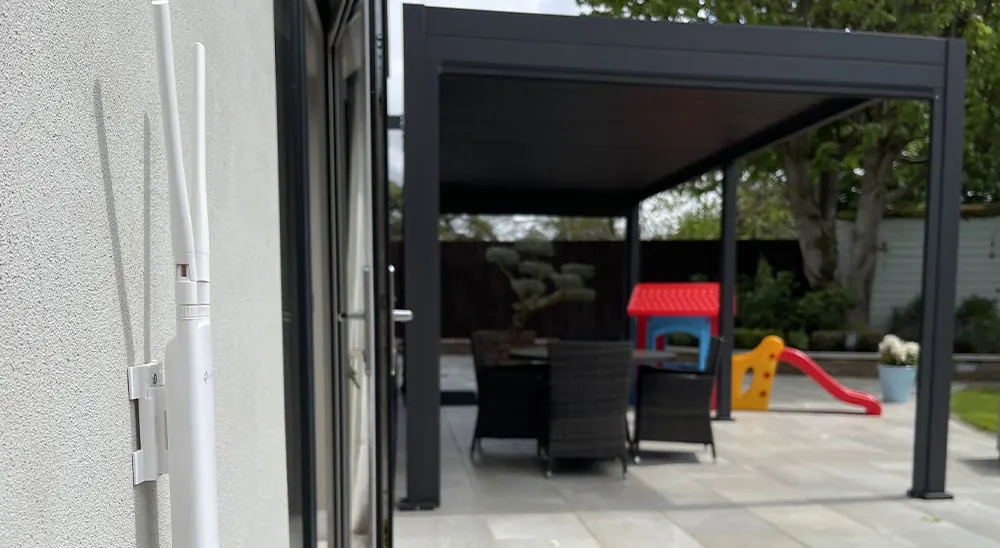
Fitting a TV in a bathroom or outdoors safely
IP ratings, bathroom electrical zones, outdoor brightness and weatherproofing, and why qualified electrical work matters.
Read the guideWhy burglar alarms false trigger and how servicing helps
Spotting low batteries, pet and draught triggers, ageing sensors, and why routine alarm servicing prevents nuisance call-outs.
Read the guideEV charger installation costs and grants explained
A practical look at installation budgets, renter and flat owner grants, charger choices and the checks needed before work starts.
Read the guideConsumer unit replacement cost and the work involved
Published budget ranges, protection explained, circuit checks and the practical arrangements that make a board replacement easier to manage.
Read the guideHouse rewiring cost and what to expect
How to define a rewire, compare guide prices, organise first and second fix and prepare for disruption without overlooking the finishing work.
Read the guideBusiness CCTV and UK data protection responsibilities
Define the purpose, limit the recording, organise access and make sure staff know how to handle footage and information requests.
Read the guideCCTV storage: choosing local recording or cloud
Understand recorder types, storage capacity, upload demands and export routines before relying on a headline number of recording days.
Read the guideChoosing how your CCTV cameras connect and record
Compare camera power, data connections, recording arrangements and maintenance before choosing a system for your property.
Read the guideMatching CCTV resolution and lenses to the view
Choose useful detail rather than a bigger pixel count, with practical checks for lenses, lighting, positioning and recorded footage.
Read the guideSetting up CCTV remote viewing securely
Understand the connection, protect the accounts and practise finding footage before you need to use the system remotely.
Read the guideLooking after your alarm between professional services
Know which checks belong to the user, what a service should review and why different alarm batteries need different care.
Read the guidePlanning an alarm around the pets that live with you
Combine realistic detector choices, careful positioning and workable setting routines rather than relying on a pet-friendly label alone.
Read the guideCCTV or an intruder alarm: which job needs doing?
Start with detection and evidence, then consider vulnerable entrances, privacy, notifications and whether separate systems would work better together.
Read the guideMake your home office connection work better for calls
Compare wired and wireless results, understand connection quality and identify whether the problem belongs inside the property or beyond it.
Read the guideKeep home Wi-Fi access organised and better protected
Review administrator access, wireless security, updates and guest isolation, then build a manageable routine for devices and visitors.
Read the guidePlan a broadband backup that covers the essentials
Choose a genuinely useful second path, define failover behaviour and test data limits, essential services and local power dependencies.
Read the guideChoose a practical Starlink mounting position
Use the obstruction check, allow for changing surroundings and plan the mount, cable entry and indoor connection as one installation.
Read the guideExternal antennas for 4G and 5G home broadband
Test first, match the antenna to the router and keep cable losses in the calculation.
Read the guidePlanning television and video across several rooms
Independent viewing, shared sources and reliable control need different distribution designs.
Read the guideShould you choose a soundbar or separate surround speakers?
Choose around clear speech, usable speaker positions and comfortable listening, not headline channel counts.
Read the guidePlan a media wall before construction starts
Agree dimensions, manufacturer clearances and servicing routes before the wall is closed.
Read the guideChoose HDMI cabling for the signal you actually need
Specify the signal, check every device and test the finished route before closing the wall.
Read the guidePlan your projector around the screen and room
Measure the image, calculate throw distance and coordinate the screen, lens position, lighting, cables and ventilation before installation.
Read the guideDesign a PA system people can understand
Build clear speech coverage through appropriate speakers, controlled reverberation, suitable microphones, sensible zones and realistic listening tests.
Read the guidePlan a meeting room that works at both ends
Match meeting equipment to room size, working habits and remote participants, then prove the whole system through realistic tests.
Read the guide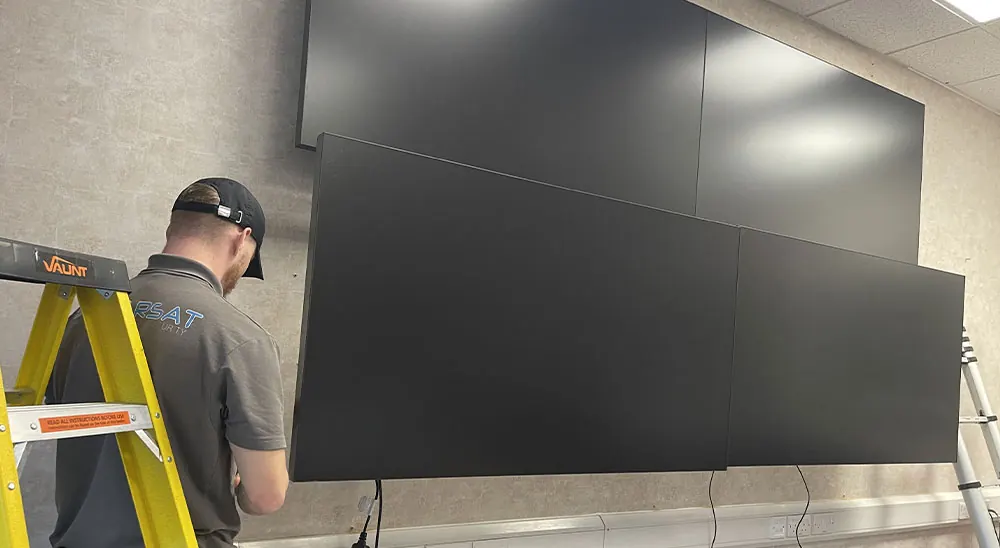
Choose the right commercial display format
Compare the complete display installation, including content, joins, structure, control equipment, operating conditions and ongoing maintenance.
Read the guideUnderstand what a vehicle tracker can tell you
Compare tracker types, platform features, data responsibilities and installation needs without assuming that tracking guarantees security or recovery.
Read the guideCCTV night vision: colour or infrared?
Colour night vision can preserve clothing and vehicle colours when enough light reaches the scene. Infrared produces a monochrome image using illumination that is usually invisible to people. The best arrangement depends on the site, and some systems use both modes at different times.
Read the guideWhere should CCTV cameras go?
Walk the site, identify priorities and consider day and night views before fixing equipment. Height, lens angle, lighting, obstacles and privacy all shape what footage can usefully show.
Read the guidePlanning CCTV for farms and outbuildings
Begin with operational priorities and realistic routes between cameras and recording equipment. Consider robust mounting, connectivity, lighting, privacy and routine access for maintenance.
Read the guideANPR cameras for entrances and gates
Treat ANPR as a purpose-built capture point. Plan the vehicle path, camera angle, lighting and recording workflow, then test with the vehicles and conditions expected at the site.
Read the guidePTZ or fixed CCTV cameras?
Fixed cameras provide a dependable view of a defined area. PTZ equipment offers adjustable viewing but cannot watch every direction at once. Many sites benefit from combining a fixed overview with a movable camera where active monitoring is realistic.
Read the guideCCTV maintenance and routine checks
Check the view, recording, time and system alerts at sensible intervals. Clean equipment safely, investigate changes promptly and keep a record of work and faults.
Read the guideChoosing the right response for a monitored alarm
Compare self-monitoring, professional alarm receiving centre support and police response arrangements. Plan contacts, credentials and escalation steps before commissioning, then review them whenever people or premises change.
Read the guideUnderstanding the sensors in an intruder alarm
Explore the roles of PIR detectors, door and window contacts, and shock sensing. A survey can identify practical positions, environmental constraints and the combination that suits how the building is used.
Read the guidePlanning alarm protection for garages and outbuildings
Review entry points, environmental conditions, power and signal paths before selecting equipment. Integrated alarm and camera planning can support a clearer view of activity without relying on one device to do every job.
Read the guideMaking a sensible plan to upgrade an old wired alarm
Review the control equipment, field devices, wiring, communications and user requirements before committing to a replacement. Preserve sound infrastructure where appropriate, but base decisions on testing and compatibility rather than appearance alone.
Read the guidePlanning an intruder alarm for a commercial premises
Start with a site and operations review, then define areas, access roles, response procedures and maintenance expectations. A useful design supports the business routine rather than creating daily workarounds.
Read the guideUsing alarm apps with confidence
Learn how remote status, notifications and user permissions fit into everyday alarm use. Confirm connectivity, account recovery and monitoring arrangements before relying on app control away from the property.
Read the guide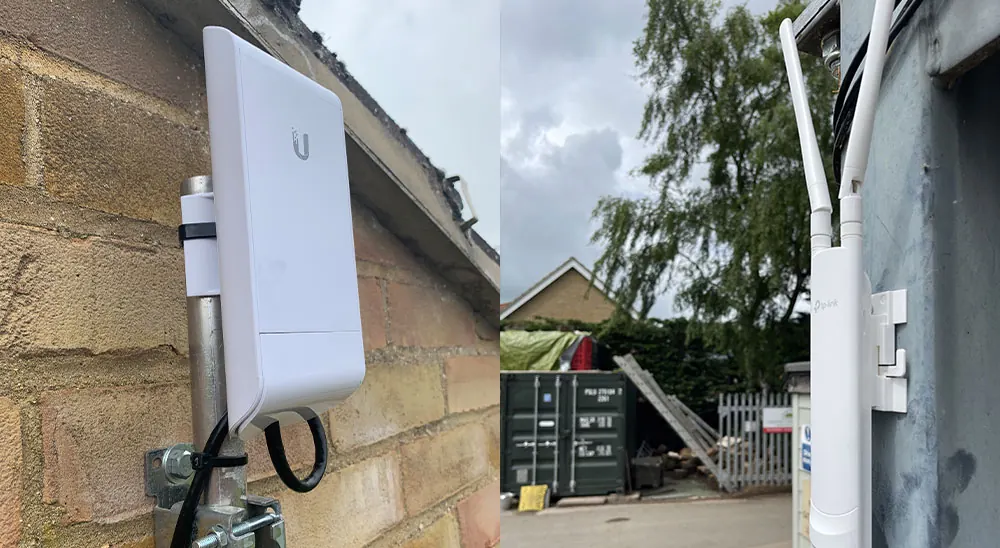
Point-to-Point Wi-Fi Links for Barns and Offices
Connect separate buildings with a planned wireless bridge, checking sightlines, distance, mounting, network capacity and weather exposure.
Read the guideOutdoor Wi-Fi for Gardens, Patios and Courtyards
Plan garden coverage around the seating areas, buildings, devices and outdoor conditions, then choose a suitable wired or wireless access point.
Read the guideCat6 vs Cat6a Network Cabling: Which Should You Fit?
Compare bandwidth, distance, cable handling, installation conditions and future equipment before specifying Cat6 or Cat6a.
Read the guideData Cabinets and Patch Panels for Homes and Offices
Understand cabinet roles, patch panel connections, sizing, cooling, labelling and safe access before centralising network equipment.
Read the guidePower over Ethernet (PoE) for Wi-Fi and CCTV Explained
Learn how PoE sources and powered devices work, then plan compatibility, power budgets, cabling, safety and testing.
Read the guideBusiness Wi-Fi planning
Plan commercial wireless around users, applications, building materials, capacity, roaming, security and maintainable network infrastructure.
Read the guideUsing Starlink with your own router and mesh Wi-Fi
Check compatibility and operating modes before buying equipment, then plan the network around the rooms and devices that matter. A measured approach to router placement, cabling and testing is more dependable than adding mesh units without a coverage plan.
Read the guideStarlink for farms, workshops and rural businesses
Begin by mapping the work areas and checking the proposed dish location for a clear view of the sky. Then plan the local network separately, using suitable cabling or a point-to-point wireless link where buildings are apart. Verify service terms and equipment details before committing.
Read the guideChoosing a 4G or 5G router for a rural home
Treat 4G and 5G as options to assess rather than a guaranteed ranking. Check coverage by provider, confirm router band support and measure performance at different times. An external antenna can help in some situations, but only when selected and installed for the router and signal conditions.
Read the guideBroadband and Wi-Fi for holiday lets and annexes
Map the spaces, assess the underlying internet service and plan Wi-Fi access points for real coverage. For a separate annex, consider a cable or building-to-building link rather than assuming an indoor mesh will cross the gap. Make guest instructions clear and keep network administration secure.
Read the guideHow to improve slow upload speeds in rural areas
Measure upload performance over a wired connection and compare it with Wi-Fi at different times. Check background syncing and service conditions, then improve the part of the connection shown to be limiting. A more suitable broadband option may help where the current service has limited upstream capacity.
Read the guidePre-wiring a new build or extension for broadband and Wi-Fi
Plan a central communications point, run cable to useful locations and include routes for ceiling or wall-mounted access points. Keep data cabling separate from electrical services as required by the design and regulations. Label, test and document each run before finishes conceal the route.
Read the guideLoft aerial or roof aerial: which suits your home?
A loft aerial is often a neat option where the signal is already strong and the roof structure lets it through. An external aerial may be more suitable where reception is marginal, the loft is insulated with foil-backed material or the building blocks signals. A site assessment and properly measured signal are more useful than assumptions based on the aerial's size.
Read the guideTV aerial splitters and amplifiers explained
A passive splitter divides an aerial feed and reduces the signal reaching each output. A distribution amplifier compensates for system losses when the incoming signal is suitable, while a masthead amplifier is installed close to the aerial to raise a signal before a long cable run. Measure first, choose equipment for the system and test every outlet.
Read the guideCommunal TV aerial systems for flats and guest houses
Communal systems typically use a suitable aerial, headend or distribution equipment, and a planned network of cables and outlets. The correct arrangement depends on the number of users, cable distances, services required and building layout. Clear records, accessible equipment and a maintenance plan help the system remain manageable as occupants and technology change.
Read the guide4G and 5G interference on Freeview TV
Interference may appear as breakup, missing channels or changes that affect some services more than others. A correctly selected aerial, sound cabling and suitable filtering can help when measurements confirm unwanted signals are entering the system. First distinguish interference from weak reception, damaged connections, equipment overload and a transmitter or service issue.
Read the guideRemoving an old TV aerial or satellite dish safely
Before removal, identify what is mounted, how it is fixed and whether any cables still serve equipment inside. Roof and chimney access should be handled by a suitably equipped professional. Once removed, exposed holes and cable entries need weatherproof attention, and the aerial or dish should be separated for appropriate reuse or disposal where possible.
Read the guideStorm damage to TV aerials and satellite dishes
Look for visible movement, hanging cable or debris from a safe place, and note which services and rooms are affected. Do not climb to a roof or touch equipment that may be loose or near electrical services. A qualified installer can assess the mount, alignment, cable condition and reception readings, then recommend repair or replacement based on the damage.
Read the guideFreesat vs Freeview: choosing a television platform
This guide explains the practical differences between Freesat and Freeview, including signal, equipment, recording and installation. Check your reception and television requirements before replacing working equipment or arranging a new installation.
Read the guideSky Q dish and wideband LNB requirements
Learn why LNB type, connections, signal quality and cable condition matter for Sky Q. Equipment versions and household layouts vary, so verify the receiver requirements and have the installation assessed before ordering parts or moving a dish.
Read the guideMoving a satellite dish for building work
A successful relocation involves more than shifting the reflector. Consider signal direction, secure mounting, cable length, permissions and the building programme. Coordinate the installer and building team so the dish is moved at a suitable stage and tested afterwards.
Read the guidePlanning an AFN satellite television setup
This guide focuses on the physical installation considerations for AFN satellite television. It does not make assumptions about service availability, schedules or future changes. Check current service and receiver information with the relevant provider before choosing equipment or arranging work.
Read the guideEuropean and foreign satellite television dishes
The right setup depends on target satellite, dish size, LNB, receiver and the physical installation. Confirm current channel and viewing details with the relevant provider, since line-ups and requirements can change. A site survey can assess placement, cable routing and reception feasibility.
Read the guideSatellite dish placement rules and listed buildings
Rules depend on the property and proposed work, so do not treat general guidance as approval for a particular installation. Confirm requirements with the local planning authority or property manager, then have an installer assess signal direction, mounting and cable routing.
Read the guideChoose a comfortable TV mounting height and viewing distance
Measure from the main viewing position, test the screen height while seated, and consider every regular seat before deciding where to mount. Viewing distance depends on screen dimensions, resolution and personal preference, while glare, furniture and access to sockets also affect the final position.
Read the guideMounting a television on plasterboard or dot and dab
Confirm the wall build-up, the television and bracket loads, and the intended fixing locations. Do not rely on the board alone for a heavy installation without confirming a suitable system. Plan cables and access before work begins, and obtain an on-site assessment if the wall remains uncertain.
Read the guideIs mounting a television above a fireplace right for your room?
Review appliance guidance, measure temperatures in realistic use, assess the wall and test the viewing angle from your main seats. If the position is uncomfortable or conditions exceed equipment limits, choose another location rather than trying to solve every issue with a tilting mount.
Read the guidePlanning Dolby Atmos and in-ceiling speakers for home cinema
Choose a compatible playback system, map the main listening seats and assess ceiling access and structure. Decide whether in-ceiling or up-firing speakers suit the room, then route cables and calibrate levels carefully. A balanced layout is more useful than adding speakers without regard to placement.
Read the guideHome cinema acoustics, blackout and lighting basics
Start by identifying reflections, noise sources and light paths in the room. Control daylight, use dimmable layers that do not shine on the screen, and add furnishings or treatment selectively. Keep ventilation, safe movement and easy control in mind throughout the design.
Read the guideHiding AV boxes in a cupboard or equipment rack
Inventory the devices, check their ventilation requirements and measure the cupboard with cables and plugs in place. Allow airflow, safe power access and a practical route for signals and control. Label connections and leave a way to service equipment without dismantling the room.
Read the guideBackground music systems for shops, cafes and salons
Solarsat can help businesses consider speaker placement, independent listening areas, straightforward controls and suitable wiring. A site assessment helps shape a system for the layout and the way your team works.
Read the guideDigital signage screens for shops and reception areas
Solarsat helps businesses consider screen placement, mounting, connectivity and day-to-day operation. A site visit can establish the most suitable approach for the environment and the intended message.
Read the guideBoardroom microphones and echo control
Solarsat can assess the room, seating, existing meeting equipment and connection needs to help shape an audio solution. The goal is intelligible speech, uncomplicated use and a system suited to real meetings.
Read the guideProjector and audio systems for halls and venues
Solarsat can help assess sightlines, lighting, screen position, sound coverage and source connections. A joined-up design makes it easier to prepare the room for varied events and day-to-day use.
Read the guide
Outdoor PA speakers for yards and events
Solarsat can assess the area, mounting options, sound needs and system connections to help plan an outdoor PA installation. A site-specific approach supports intelligible announcements and practical operation.
Read the guidePlan smart lighting around your home
A practical smart lighting plan balances compatible lamps, suitable switching, reliable connectivity and simple scenes. Check the existing circuit and decide which functions matter before selecting equipment.
Read the guideMake smart heating work room by room
Good heating control begins with system compatibility, realistic schedules and well-positioned sensors. Confirm what each zone can control, how the system responds and what happens if connectivity is interrupted.
Read the guidePlan automated blinds and curtains with care
Consider the window shape, fixing surface, motor location, power provision and manual controls before selecting automated blinds or curtains. Test routines for privacy and daylight, then confirm safe operation and a clear handover.
Read the guidePlan GPS tracking for working fleets
A fleet tracking plan should account for vehicle types, installation, coverage, authorised access and privacy. Test the reporting workflow and explain clearly to drivers how tracking information is used.
Read the guideChoose between hardwired and OBD tracking
Compare installation permanence, access to the diagnostic socket, vehicle compatibility and reporting needs. Confirm the selected device is suitable and have any hardwired installation completed safely by a professional.
Read the guideUnderstanding electrical safety certificates
A useful EICR depends on access, a careful inspection and clear reporting. The outcome describes observed condition and any limitations, so the report should be read alongside the property’s circumstances rather than treated as a simple pass or fail label.
Read the guidePlanning power for gardens and outbuildings
Consider equipment, distance, weather exposure and future changes before choosing outlets or a supply route. A qualified electrician can assess the existing installation and select suitable equipment and protection for the location.
Read the guideEV charging and your home electrical supply
A site assessment should consider the incoming supply, consumer unit, charging habits and other large loads. The right solution depends on the property and should be confirmed by an electrician before equipment is selected.
Read the guideAdding sockets and fused spurs safely
Choose locations around real use, then have the circuit and cable route assessed before work. Suitable accessories, protection and testing are essential parts of a reliable addition.
Read the guidePlanning LED downlights and kitchen lighting
Plan the light around work areas and room use, then check fitting suitability, spacing, dimming and ceiling conditions. Professional installation helps ensure the electrical work and finished lighting are appropriate.
Read the guide
Need advice on your own property?
Call our Mildenhall team or send an enquiry.
Enquiries
Get a quote from Solarsat
Tell us a little about your property and what you need. We will get back to you to talk it through.
- 01638 515551
- info@solarsat.co.uk
- Phones and email Monday to Saturday, 8:30am to 6pm
- 8 High Street, Mildenhall, Suffolk IP28 7EQ. Showroom visits by appointment.