
Solarsat guide
Choose a practical Starlink mounting position
A Starlink installation starts with a suitable view of the sky, not simply the highest point on the house. The chosen position also needs sound support, safe access and a protected cable route. Plan these together before fixing anything permanently, because an apparently convenient mounting point can create avoidable problems elsewhere in the installation.
Phones and email Monday to Saturday, 8:30am to 6pm. Showroom visits by appointment.
Check the sky view with the Starlink app
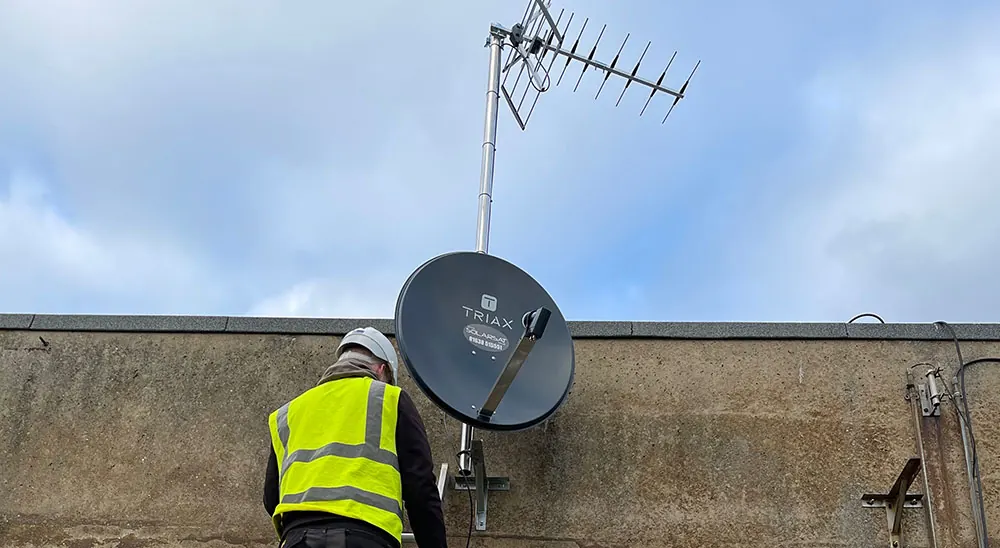
Use the Starlink app's obstruction-checking guidance at the proposed installation position, following the instructions for your equipment. Nearby roofs, trees, chimneys and other objects can block parts of the required sky view. Do not assume that a clear view straight upwards is sufficient for the terminal's operating requirements.
Assess the actual mounting location as closely as it can be checked safely. A scan from ground level is not equivalent to one beside an upstairs wall or above a roofline. Never climb or lean from a window to complete a check. Where safe assessment needs access equipment, involve an installer.
Compare several practical positions before committing to holes or a long cable route. The best choice balances the obstruction result with structural support, maintenance access and the manufacturer's mounting instructions. After installation, review the app's operating information over time rather than judging the position solely from one successful connection.
Allow for trees and changing surroundings
Trees are a moving obstruction, not a fixed outline. Branches move in wind, foliage changes through the seasons and growth can gradually reduce a clear view. A position assessed in winter may behave differently after leaves return. Consider the mature canopy as well as what is visible on installation day.
Look beyond your own boundary too. A neighbour's tree or future building work may affect a low mounting position, and you may have no control over either. Do not base the installation on an assumption that someone else will prune vegetation. Tree work may also be subject to restrictions and needs separate checks.
Raising the terminal may improve clearance, but a taller pole increases structural demands and wind loading. Sometimes moving to another part of the property is more sensible than adding height. Compare those options with the cable route and support available instead of treating extra elevation as the automatic answer.
Match the mount to the structure and exposure
Wall mounting can keep equipment accessible and avoid a roof position, provided the wall and bracket arrangement are suitable. Pole mounting can offer more positioning flexibility, but the pole, supports and foundations or fixings must suit the installation. Use compatible mounting components intended for the particular terminal.
Chimney and roof positions require careful assessment of condition, fixing method and access. A chimney that looks sound from the ground may have deteriorated masonry or mortar. Roof coverings must remain weatherproof, and the terminal must not be attached to unsuitable trim or weak building elements simply because they are convenient.
Wind exposure and leverage matter, especially on tall poles and exposed elevations. The complete arrangement needs to withstand the loads expected at that location within the relevant equipment guidance. Roof work and awkward external access belong with people using suitable methods and equipment, not improvised ladder arrangements or unsupported work at height.
Plan the cable entry, router and weather exposure
Plan the full route before fitting the mount. Follow the cable's handling guidance, protect connectors and avoid crushing, sharp bends or tight tension. External routing needs suitable support and protection. Form the entry to discourage water tracking indoors and seal the opening appropriately without compromising the cable or the building's weather resistance.
Choose the indoor equipment position for ventilation, power and practical network distribution. The easiest cable entry is not always the best router location. Where the terminal's connection reaches an inconvenient room, a suitable wired network connection can serve the wider property without forcing the router behind furniture or into a closed cabinet.
Check the equipment's environmental guidance for rain, snow and ice. Weather can affect operation, and built-in features do not remove every weather-related risk. Do not climb to clear snow or strike ice from the equipment. Persistent problems need safe assessment, including the mount, cable condition and obstruction information.
Common mistakes to avoid
Do not select a mounting point only because an old aerial bracket is already there. Its condition, loading and compatibility need checking. Equally, do not assume a terminal and cable can be treated like generic television equipment. Follow the guidance for the exact hardware, including any required adapters and cable limitations.
Avoid routing through doors or windows as a permanent solution, leaving connectors exposed during installation or drilling before checking for hidden services. A neat external run still needs protection and a properly finished entry. Keep enough planned access for inspection without leaving loose cable that can move or snag.
Check permissions before work begins. Tenants may need landlord consent, and flats can involve freeholder or management requirements. Listed buildings, conservation areas and other restrictions can affect the proposal. Do not assume every installation is permitted or every location needs the same consent; confirm the position with the relevant owner or authority.
When to hire a professional installer
Arrange professional help for roof or chimney work, uncertain masonry, exposed pole installations or cable routes that are difficult to weatherproof. A survey is also worthwhile when trees restrict the available positions or the terminal must serve an existing wired network and several occupied areas.
Ask the installer to explain the obstruction assessment, mounting method and cable route before work starts. Confirm permissions, indoor equipment location and how future inspection can be carried out safely. At handover, check the app information and the connection where you actually use it, while recognising that conditions can change after installation.
Have a question about your own property? Contact our Mildenhall team.
Related services
Services this guide covers
Starlink installation
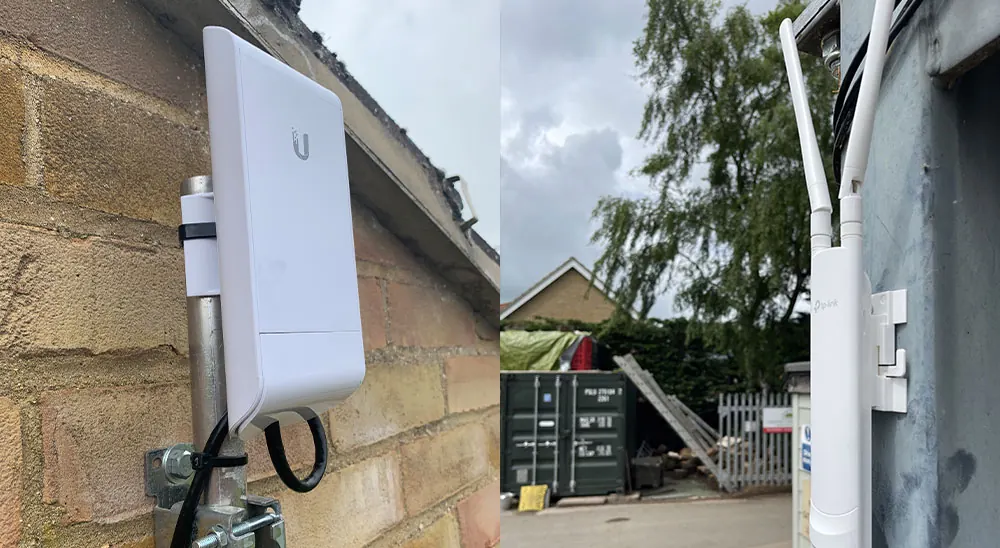
Starlink dishes positioned for a clear view of the sky, cabled in neatly and shared round the house and outbuildings.
Find out more
Rural broadband
Fast, reliable internet for rural homes and businesses using 4G, 5G and Starlink, with planning, installation and support.
Find out more
FAQs
Frequently asked questions
Want advice for your own home or business?
Call our Mildenhall team or send an enquiry and we will talk through the options.
Enquiries
Ask us a question or get a quote
Tell us a little about your property and what you need. We will get back to you to talk it through.
- 01638 515551
- info@solarsat.co.uk
- Phones and email Monday to Saturday, 8:30am to 6pm
- 8 High Street, Mildenhall, Suffolk IP28 7EQ. Showroom visits by appointment.