
Solarsat guide
Choose a comfortable TV mounting height and viewing distance
A television can look perfectly placed on a bare wall yet feel awkward once you settle into your usual seat. The right position is the one that suits your posture, screen and room, rather than a fixed measurement copied from another home. A little planning before drilling can make viewing more relaxed and keep cables and connections manageable.
Phones and email Monday to Saturday, 8:30am to 6pm. Showroom visits by appointment.
Start with the seat, not the wall
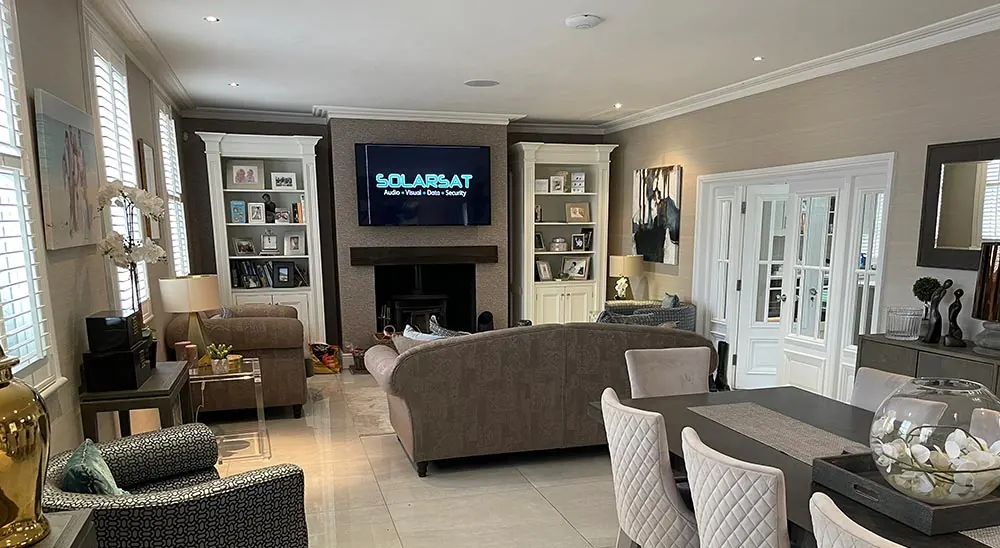
Sit in the place where you watch most often and adopt your normal posture. Measure the height of your eyes from the floor, then mark the approximate centre of the screen on the wall with removable tape. A useful starting point is to have the centre of the screen close to seated eye height, but that is not a rule for every room. A low sofa, recliner or several rows of seating may call for a different position.
Remember that television sizes are measured diagonally, so the screen centre is not halfway up the set from its bottom edge. Check the dimensions of the actual television, including its bezel, and use the proposed bracket position to estimate where the lower and upper edges will sit. If more than one person uses the room, test the view from each regular seat rather than optimising for a single spot.
Use a cardboard outline or a temporary paper template to help judge scale. Sit down, look forward and check whether your head stays in a natural position. A screen that requires a persistent upward gaze can become tiring, particularly during a long film, even if the wall looks neat when viewed standing up.
Think about distance and screen size together
There is no single viewing distance that suits every television. Screen size, resolution, programme material and eyesight all influence what feels comfortable. Sitting closer makes detail and subtitles easier to see, but can make fast movement or a large bright image feel overwhelming. Sitting further away can make the screen feel less immersive. Try the distance in your room before fixing the bracket.
Measure from the seating position to the wall, then compare that space with the dimensions of the chosen set. If you are replacing a smaller television, mark the new screen outline and check that it does not dominate the room or obscure a doorway, shelf or artwork. A larger screen can make a seat that was comfortable for the old set feel too close.
Consider the range of content you watch. Films and sport may benefit from a more immersive view, while news, gaming or regular television can make a very large image feel less suitable to some viewers. Manufacturer guidance can be a useful reference, but treat it as a starting point and trust a practical trial from your own seats.
Check light, reflections and furniture
Switch on the lamps you normally use and look for reflections from windows, glazed doors and bright fittings. A screen that appears clear in daylight can become difficult to watch when the sun moves around the room, or when a lamp is reflected after dark. Adjusting the mounting position or using suitable window coverings may help, but avoid placing a screen where a regular viewing angle is compromised just to avoid one reflection.
Check that furniture does not block the picture and that a soundbar will fit below the screen without covering its lower edge or remote sensor. If the television is above a cabinet, leave room for ventilation and for opening doors or drawers. Confirm that the screen can be tilted or swivelled as intended without striking adjacent furniture, a wall return or a fireplace surround.
Mark the proposed screen edges, soundbar and cabinet on the wall. This simple arrangement makes proportions easier to judge than a centre mark alone. It also reveals whether the television will sit too high above a cabinet or appear crowded by shelves. Adjust the layout before choosing the bracket location.
Plan the bracket, cables and connections
Bracket choice affects how close the screen sits to the wall and how easily you can reach its connections. A fixed bracket can give a tidy, close fit, while a tilting or extending model can help with access or a side-on seat. Check that the bracket is suitable for the television and the wall construction, and allow space for plugs that project from the back of the set.
List the equipment that will connect to the television, such as a soundbar, games console, receiver or streaming device. Decide where each item will live and how its cable will reach the screen. A cable route planned before mounting is usually neater than trying to conceal wires after the television is in place. Do not assume a wall cavity is clear or that any cable can be buried without checking the relevant installation requirements.
Check the location of sockets, aerial or network connections and any likely cable route. If a new outlet or concealed wiring is needed, arrange suitable work before the bracket is fitted. Keep ventilation and future access in mind, and avoid trapping a lead tightly behind a bracket or bending it sharply.
Make a careful final check before drilling
Use the bracket instructions to identify the fixing points and confirm the wall type. A stud wall, masonry wall and plasterboard lining need different fixing approaches. A detector can help identify framing, metalwork or services, but it does not remove the need to assess the wall carefully. If the construction is uncertain or the screen is particularly heavy, seek an installer to assess a suitable fixing method.
Recheck the screen outline, centre line and level against the actual furniture and seating. Confirm that the chosen location leaves access to controls and connectors, and that the television can be lifted safely onto the bracket.
Have a question about your own property? Contact our Mildenhall team.
Related services
Services this guide covers
TV wall mounting
TVs fixed securely to solid, flint or plasterboard walls, with the right bracket and the cables hidden or neatly trunked.
Find out more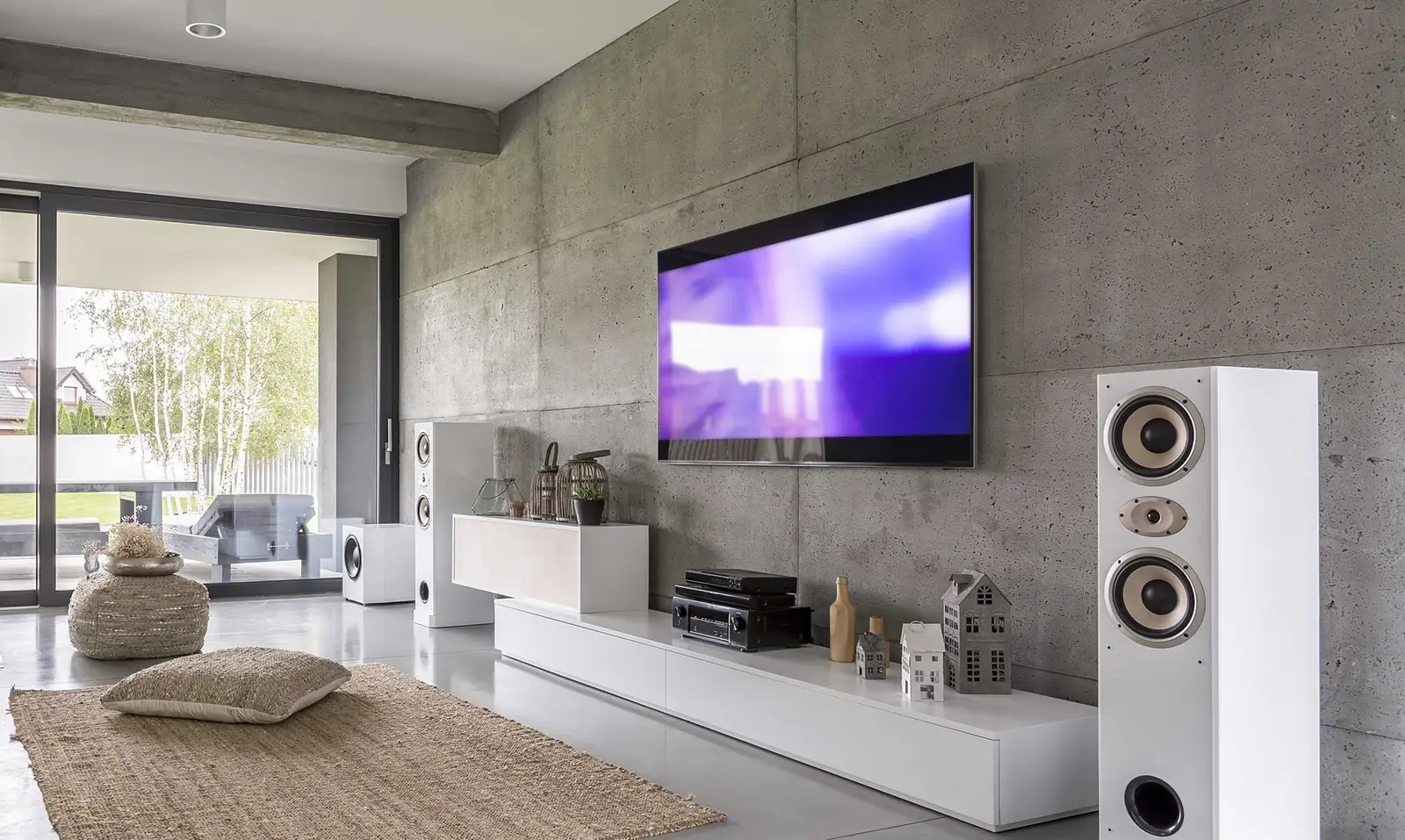
Audio-visual and home cinema
TV wall mounting, media walls, home cinema, multi-room music and commercial AV, designed and installed by our own team.
Find out more
FAQs
Frequently asked questions
Want advice for your own home or business?
Call our Mildenhall team or send an enquiry and we will talk through the options.
Enquiries
Ask us a question or get a quote
Tell us a little about your property and what you need. We will get back to you to talk it through.
- 01638 515551
- info@solarsat.co.uk
- Phones and email Monday to Saturday, 8:30am to 6pm
- 8 High Street, Mildenhall, Suffolk IP28 7EQ. Showroom visits by appointment.