
Solarsat guide
Plan your projector around the screen and room
A projector needs more than a clear wall. Its lens, screen and mounting position must work together within the actual room dimensions. Start with the picture you can comfortably accommodate, then check whether the proposed projector can produce it without obstructed sightlines, excessive adjustment or awkward maintenance.
Phones and email Monday to Saturday, 8:30am to 6pm. Showroom visits by appointment.
Measure image width before calculating throw
Mark the proposed image edges on the wall and check them from every seat. Leave space for the screen frame, speakers and any furniture beneath it. Screen sizes are often advertised diagonally, but throw calculations use image width. For a 16:9 picture, image height is the width multiplied by nine and divided by sixteen. A different aspect ratio changes that relationship.
Throw ratio means the distance from the lens to the screen divided by the image width. To find the required distance, multiply image width by throw ratio. A two metre wide picture at a ratio of 1.5 needs about three metres from lens to screen. Measure from the lens, not the rear of the case, and allow separately for the projector body, connectors and ventilation.
Match the lens and mounting position
Standard, long, short and ultra-short throw describe different lens arrangements, but the labels alone are not precise enough for planning. Check the manufacturer's ratio range and installation drawing for the exact model. A long throw arrangement places the lens further away for a given width. Short throw reduces that distance, while ultra-short throw places the unit close to the screen, usually below it.
For a ceiling mount, check structural support, bracket adjustment and the lens height relative to the picture. Lens shift moves the image optically within stated limits and is normally preferable to digital keystone correction. Keystone reshapes the picture electronically and can reduce usable detail. Neither compensates for a fundamentally unsuitable mounting position. Ultra-short throw equipment is particularly sensitive to screen flatness and small changes in position.
Choose the screen around light and viewing angles
A fixed frame keeps the screen available and tensioned, provided you have a permanent wall area. A motorised screen can disappear when unused, but needs suitable support, power, service access and a clear drop past furniture. Check the housing dimensions rather than just the viewing area. Where flatness is especially important, compare tensioning arrangements and compatibility with the intended projector before ordering.
Screen gain describes how a surface directs reflected light compared with a reference surface. Higher gain is not automatically better: it can narrow useful viewing angles or create uneven brightness. Ambient light rejecting surfaces work with particular light and projection angles, so confirm lens compatibility. Compare brightness using consistent measurement standards and the intended picture mode, image size, screen surface and room light, not one advertised lumen number.
Plan power, signal paths and cooling together
Draw a route for mains power, HDMI and any network or control connections before fixing the mount. Long HDMI runs need a cable or extension system suitable for the required resolution and frame rate. Check direction markings on active cables and test the complete source-to-projector connection before concealing it. Provide accessible connections and a practical replacement route rather than burying a cable permanently without options.
Keep ventilation clearances from the projector manual, including space for hot exhaust air to escape rather than recirculate. A decorative enclosure can trap heat even when it looks spacious. Coordinate motorised screen control with the projector so the screen deploys reliably, but retain a straightforward manual control method. Confirm how the equipment shuts down and cools before arranging switched power or whole-room control.
Common projector planning mistakes
Buying the largest screen that fits the wall can leave the lower image hidden behind viewers or furniture. Check the bottom edge from the back seats, along with door swings, ceiling fittings and any beam crossing the light path. A ceiling bracket also needs enough adjustment to align the lens properly without putting the case against the ceiling or blocking a service panel.
Other mistakes include treating a zoom range as unrestricted freedom, assuming every screen suits ultra-short throw and relying on keystone to correct a sideways installation. Do not judge daylight performance from a dark showroom demonstration. View realistic material under representative lighting, including dark scenes and small text. Record the agreed image dimensions and lens position so changes to furniture or ceiling work do not quietly invalidate the layout.
When to hire a professional installer
Bring in an installer before buying equipment where the throw distance is tight, the ceiling structure is uncertain or the screen must be recessed. Motorised screens, high-level mounting and concealed services need coordinated planning. New or altered fixed mains wiring should be handled by a suitably competent electrician. An installer can check the complete geometry rather than approving the projector and screen as separate purchases.
Ask for a final setup check using your actual sources and normal lighting. It should cover focus across the image, alignment, clipping, signal stability and reliable screen operation. Keep the model details, measured lens position and control instructions with the handover information. That makes future servicing or replacement easier and avoids repeating the room survey when only one part of the system changes.
Have a question about your own property? Contact our Mildenhall team.
Related services
Services this guide covers
Projector installation
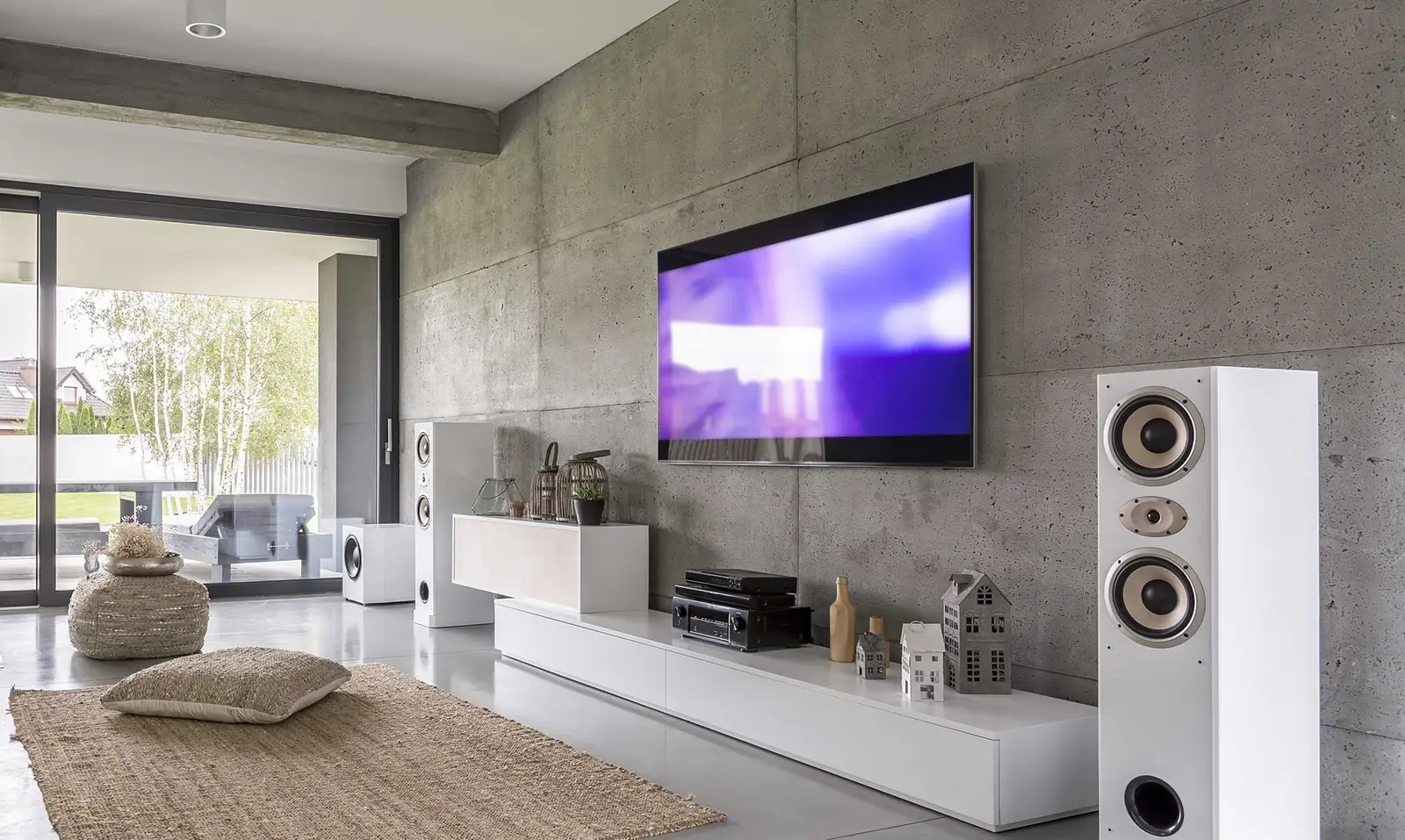
Projectors and screens chosen for the room, mounted in the right place with hidden cables and simple control.
Find out moreHome cinema installation
Dedicated cinema rooms and living room cinema set-ups, with the right screen, surround sound and one-touch control.
Find out moreAudio-visual and home cinema
TV wall mounting, media walls, home cinema, multi-room music and commercial AV, designed and installed by our own team.
Find out more
FAQs
Frequently asked questions
Want advice for your own home or business?
Call our Mildenhall team or send an enquiry and we will talk through the options.
Enquiries
Ask us a question or get a quote
Tell us a little about your property and what you need. We will get back to you to talk it through.
- 01638 515551
- info@solarsat.co.uk
- Phones and email Monday to Saturday, 8:30am to 6pm
- 8 High Street, Mildenhall, Suffolk IP28 7EQ. Showroom visits by appointment.