
Solarsat guide
Digital signage screens for shops and reception areas
Digital signage can present timely information, promotions or welcome messages, but a successful installation depends on more than choosing a screen size. The display, location and content process should work together for the people who see and manage it.
Phones and email Monday to Saturday, 8:30am to 6pm. Showroom visits by appointment.
Decide what the display needs to achieve
Start with the purpose of the screen. A retail display might promote seasonal ranges or explain an offer, while a reception screen could show a welcome, service information or a queue update. A clear purpose makes it easier to decide how many displays are needed, what size they should be and whether content changes frequently or follows a simple schedule.
Consider the audience and the time they have to read each message. People passing a shop window may see a display for only a few seconds, whereas visitors waiting at reception can spend longer with detailed information. Keep the intended viewing distance and the amount of text in mind when planning the screen and content format.
Find a position that is visible and practical
Walk through the space from the customer approach and identify likely sightlines. Avoid locations where shelving, doors, sunlight or queues regularly obscure the display. The screen should be high enough to be seen without obstructing movement, but not so high that visitors must strain to read it. Reception layouts also need to preserve clear access for staff and visitors.
Brightness and reflections matter. A screen facing a bright window can be difficult to read at some times of day, while a very bright display may be uncomfortable in a subdued interior. Nearby lighting, glass and reflective finishes should be considered during a survey. The intended operating hours and whether the screen faces direct daylight can inform equipment selection.
Select suitable screens and mounting
Commercial use can place different demands on a display from occasional home viewing. The expected daily operating period, orientation, location and content type are relevant when comparing options. A screen in a staffed reception may have different requirements from one intended to run throughout a trading day in a public area.
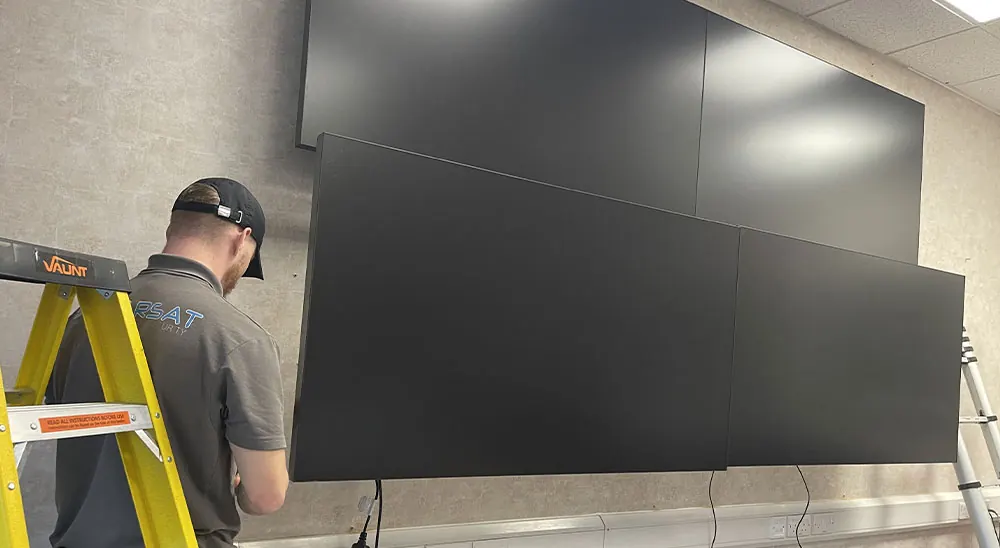
A secure mount should suit the wall or structure and allow for service access where possible. Before installation, confirm the screen dimensions, weight, cable exits and any required ventilation clearance. The installation should also account for power and data connections so that visible wiring is minimised without compromising access or building requirements.
Plan content and connectivity
Decide who will prepare and approve content, how updates will be delivered and how often the information changes. A screen that is easy to install can still become ineffective if no one owns the content process. Use readable type, strong contrast and concise messages, and check that images and video are suitable for the display orientation.
The playback approach may use a network connection, a dedicated player or another compatible source. Confirm whether the site has reliable connectivity where the screen will be installed and who can manage access. If the display must continue showing approved material during a network interruption, discuss offline behaviour and update procedures before selecting the equipment.
Support safe, dependable operation
Public-facing equipment should be installed securely and positioned to reduce accidental knocks or tampering. Cable routes should not create trip hazards, and the screen should not block signs, fire equipment or accessible routes. Where the work affects a shared or managed building, obtain the necessary permission and coordinate access in advance.
Document the basic start-up, shutdown and content update process for the staff who will use the display. Periodically check image quality, connection status and mount security, and clean the screen according to its guidance. If the message is time-sensitive, assign someone to review it so that outdated information is not left on display.
Accessible content and content ownership
Accessibility and readability deserve attention alongside the visual design. Do not rely on colour alone to distinguish information, and keep essential messages brief enough to understand at a glance. If content includes video, consider whether captions are needed and whether motion is appropriate for the setting. Review displays from the positions used by visitors with different heights and mobility needs.
Agree a content review routine before launch. Promotional dates, opening information and service messages can become inaccurate, so assign responsibility for checking them. Where several screens are managed together, decide whether each should show identical material or whether different locations need tailored messages. A clear ownership process prevents the installation becoming a neglected noticeboard.
Have a question about your own property? Contact our Mildenhall team.
Related services
Services this guide covers
Video wall installation
Multi-screen video walls for shops, showrooms, offices and venues, planned, mounted, cabled and set up with simple control.
Find out more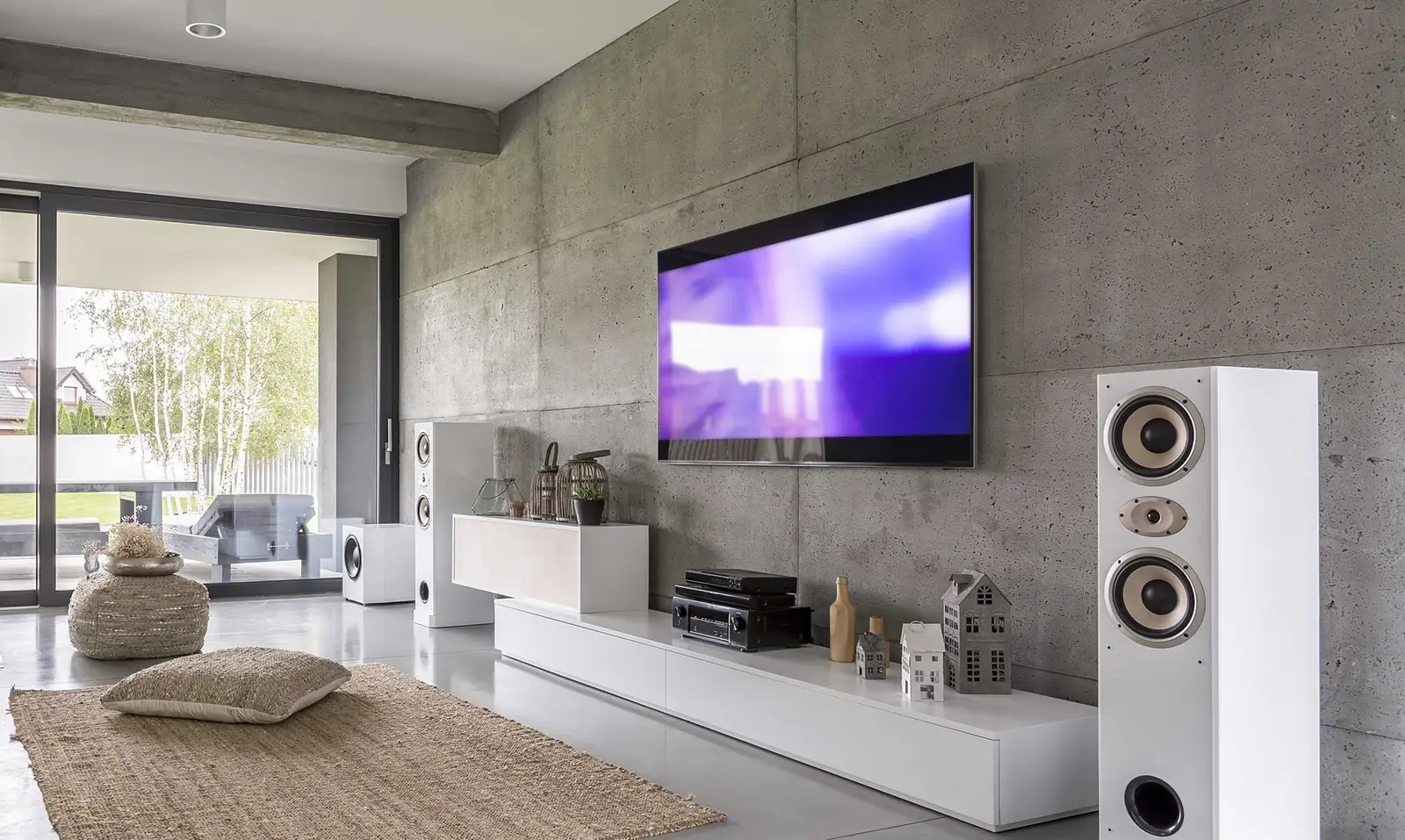
Audio-visual and home cinema
TV wall mounting, media walls, home cinema, multi-room music and commercial AV, designed and installed by our own team.
Find out more
FAQs
Frequently asked questions
Want advice for your own home or business?
Call our Mildenhall team or send an enquiry and we will talk through the options.
Enquiries
Ask us a question or get a quote
Tell us a little about your property and what you need. We will get back to you to talk it through.
- 01638 515551
- info@solarsat.co.uk
- Phones and email Monday to Saturday, 8:30am to 6pm
- 8 High Street, Mildenhall, Suffolk IP28 7EQ. Showroom visits by appointment.