
Solarsat guide
Smart home basics: lighting, heating and joined-up control
A smart home should make everyday routines simpler, not leave you juggling six different apps on your phone. This guide explains what a joined-up system can control, why networking comes first and how to plan without overcomplicating things.
Phones and email Monday to Saturday, 8:30am to 6pm. Showroom visits by appointment.
What a joined-up smart home actually controls
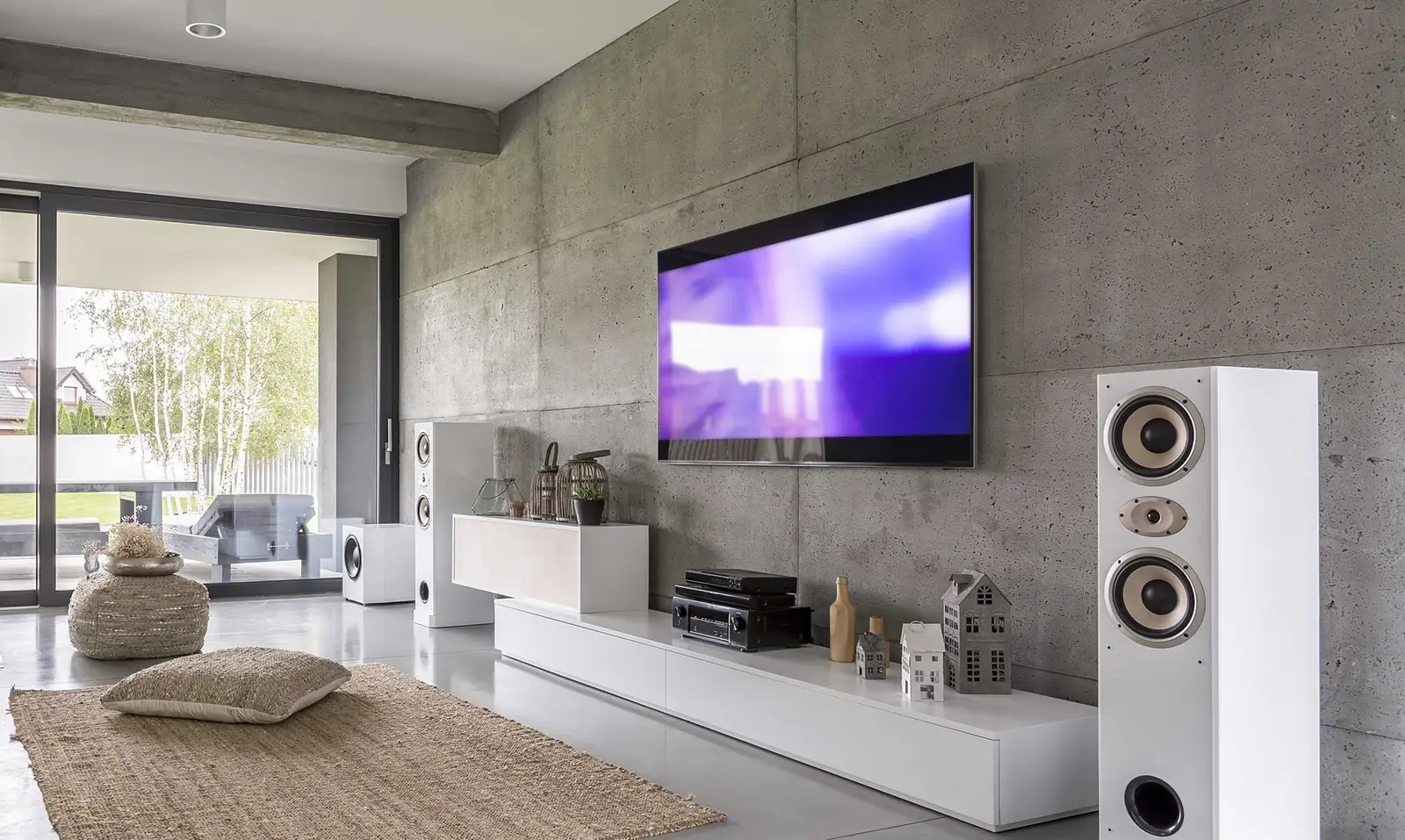
Most homeowners start with a smart thermostat or a few smart bulbs, then realise each brand lives in its own app. A properly planned smart home brings lighting, heating, motorised blinds, audio-visual equipment, CCTV and intruder alarms together under simple wall keypads and one tidy app.
The real benefit is scenes. Pressing a single 'Evening' or 'Cinema' button can dim the lounge lights, close the blinds and switch the TV to the right input. Pressing 'Away' by the front door can turn off forgotten lights, lower the heating and remind you to set the alarm.
Good automation also works quietly in the background: porch lights switching on automatically at dusk, blinds lowering to stop summer afternoon glare, or hallway lighting coming on softly at night without blinding anyone.
Wired systems versus wireless retrofits
If you are building a new home or doing a major renovation back to brick, a wired control system offers rock-solid reliability and clean keypad switches instead of banks of plastic dimmers.
In an existing decorated home, modern wireless smart home hardware lets you upgrade lighting, heating and AV control without ripping out walls. Even then, planning which rooms genuinely benefit from automation keeps the project focused and sensible.
A hybrid approach is very common in UK renovations: wiring keypads and network points in the newly extended kitchen-diner while using matching wireless controls in the older bedrooms upstairs.
Why your home network comes first
Every connected device in a smart home depends on a steady local network. Running dozens of smart switches, cameras, speakers and TVs off a single broadband router tucked in a hallway cupboard leads to slow responses and devices dropping offline.
Before adding smart home hardware, sort out the backbone: wired ethernet for fixed hubs and racks, and properly placed wired Wi-Fi access points so every room has dependable coverage.
Keeping smart home controllers on a tidy, well-documented network also makes future troubleshooting straightforward when your broadband provider changes your router or upgrades your line.
What affects smart home installation cost
Smart home costs depend on how many rooms and subsystems you include. Starting with lighting and AV control in the main living spaces costs far less than automating every radiator, blind, gate and light circuit across a large house.
Designing the system in stages is often the smartest route: put the right cabling and network infrastructure in place first, then add extra rooms or features over time.
Programming time also matters. Tailoring scenes, schedules and keypad labels to how your family actually lives takes careful setup, which is what turns a pile of hardware into a system everyone enjoys using.
Mistakes to avoid
Removing simple wall controls is a classic mistake. Guests, children and family members should always be able to walk into a room and turn a light on from the wall without needing a phone or voice command.
Buying cheap cloud-only gadgets from random online brands often leaves you stuck when an app is discontinued or your internet drops out. Systems that keep local control working inside the home stay responsive even if broadband hiccups.
Over-automating rarely used rooms adds expense without daily value. Focus on the kitchen, living room, main bedroom, heating and security first.
Always keep a simple written record of your network logins, keypad labels and controller layout so future updates or servicing stay straightforward.
Taking ten minutes at handover to walk everyone in the household through the main wall buttons prevents frustration later.
When to hire a smart home installer
When you want lighting, AV, networking and security to work together reliably rather than as separate gadgets, a smart home installer designs the whole layout, coordinates with your electrician on first fix and programmes the controls so everyone in the house finds them effortless to use.
Having one local team responsible for the network, the AV and the control system also means you have one number to call if you ever want to tweak a scene or add another room later.
Have a question about your own property? Contact our Mildenhall team.
Related services
Services this guide covers
Smart home and automation
Control lighting, climate, appliances and AV from your phone or a control panel, at home or across a business.
Find out more
Wi-Fi and networking
Whole-property Wi-Fi, outdoor coverage, wired network points, data cabinets and wireless links between buildings.
Find out moreAudio-visual and home cinema
TV wall mounting, media walls, home cinema, multi-room music and commercial AV, designed and installed by our own team.
Find out more
FAQs
Frequently asked questions
Want advice for your own home or business?
Call our Mildenhall team or send an enquiry and we will talk through the options.
Enquiries
Ask us a question or get a quote
Tell us a little about your property and what you need. We will get back to you to talk it through.
- 01638 515551
- info@solarsat.co.uk
- Phones and email Monday to Saturday, 8:30am to 6pm
- 8 High Street, Mildenhall, Suffolk IP28 7EQ. Showroom visits by appointment.