
Solarsat guide
Planning television and video across several rooms
Multi-room TV starts with a simple question: should every screen show the same programme, or should each room choose independently? The answer determines whether you need separate tuners, local apps or a shared video system. Plan those viewing habits first, then choose the cabling and control that make them practical.
Phones and email Monday to Saturday, 8:30am to 6pm. Showroom visits by appointment.

Decide what each room needs to watch
List the screens, the sources each should access and whether people will watch different things at the same time. A kitchen showing the living room programme is a different requirement from two bedrooms selecting separate channels. Sharing a source usually shares its current output, not an independent copy of its controls.
Local TV apps often provide the simplest independent viewing arrangement where the required programmes are available. Each screen still needs a suitable network connection, account access and support for the relevant app. Check subscription conditions and simultaneous stream limits. Do not assume an existing subscription covers every proposed room or viewing arrangement.
A centrally located receiver or player can reduce visible equipment and make a particular source available elsewhere. However, it introduces signal transport, remote control and servicing requirements. Decide whether those benefits justify a shared system, rather than distributing every source simply because it is technically possible.
Keep aerial and satellite distribution separate
Freeview aerial signals can feed multiple televisions through a properly designed coaxial distribution arrangement. Each television uses its own tuner, so rooms can select channels independently. A passive splitter reduces the signal available at each output. Whether amplification is needed depends on measured levels, cable losses and the number of outlets.
More amplification is not automatically better. Excessive signal can overload receivers, while an amplifier cannot recover information already lost through poor reception or damaged cable. Plan outlet positions and cable routes together, then have levels checked across the intended services. Existing coaxial sockets should be inspected rather than assumed suitable.
Satellite receiver feeds are different. A conventional receiver controls aspects of the signal supplied by the dish electronics, so one feed cannot simply be passively split between independently controlled receivers. Compatible multiswitch or single-cable systems can support suitable equipment, but require deliberate design. Confirm the receiver and dish distribution requirements before reusing an aerial layout.
Choose how shared video reaches each screen
For a central HDMI source, a dedicated extender can carry video over suitable twisted-pair data cable to a receiver behind the television. Some products use HDBaseT; others use their own transport method. A matching transmitter and receiver are normally required, with cable type, terminations and power arrangements meeting the product specification.
A data-cable connector does not mean the equipment connects through an ordinary Ethernet switch. Dedicated extender links and video-over-IP systems are different designs. Video over IP uses compatible encoders, decoders and network infrastructure; it can require managed switches, multicast configuration and substantial network capacity. Confirm the design before allocating network sockets.
A matrix switch allows several sources to serve several screens, with supported outputs selecting different inputs. It does not create extra independent tuners inside a shared box. Check the matrix, extenders and displays together for the required resolution, refresh rate, HDR formats and content protection support. One weak link can restrict the available picture modes.
Plan control, cabling and daily operation
Picture distribution is only half the job. Work out how someone in each room changes channel, adjusts volume and switches source. Infrared return paths may need correctly positioned emitters and receivers. Network-controlled equipment needs compatible devices and dependable connectivity. Bluetooth remotes do not automatically work through walls or equipment cupboards.
Agree how competing commands will behave. If two rooms share one receiver, either person may change the programme for both. Give sources clear names and keep the usual viewing sequence short. Where screens have different capabilities, check how the system manages display information so one television does not unexpectedly constrain another.
Plan accessible central equipment, power, ventilation and labelled cable ends. Keep dedicated video links identifiable so they are not later patched into a network switch by mistake. Allow sensible spare routes for changing requirements. Test every intended source-to-screen combination, including audio and remote control, before decorating makes faults difficult to reach.
Common multi-room TV mistakes
A frequent mistake is treating all coaxial feeds as interchangeable or assuming that every cable with an RJ45 connector carries ordinary network traffic. Both assumptions can lead to an installation that appears neatly wired but cannot provide the intended independent viewing. Identify each cable's purpose at both ends.
Another is specifying 4K without stating HDR, refresh rate or audio requirements. Check the complete signal chain rather than a single headline label. Avoid hiding all central equipment without access for resets, replacement or subscription card changes where applicable. Also test startup behaviour after power loss, not just playback while everything is already switched on.
When to hire a professional installer
Professional design is useful when several rooms need different sources, when satellite distribution is involved or when shared video must cross long or concealed routes. An installer can map the required combinations, check existing cables and distinguish a straightforward aerial distribution job from a matrix or network video system.
Ask for a room-by-room schedule showing available sources, control methods and any limitations. Handover should include labelled connections and a demonstration of independent and shared viewing. Start with the simplest system that meets the household's actual needs, leaving accessible expansion routes rather than buying complexity that nobody expects to use.
Have a question about your own property? Contact our Mildenhall team.
Related services
Services this guide covers
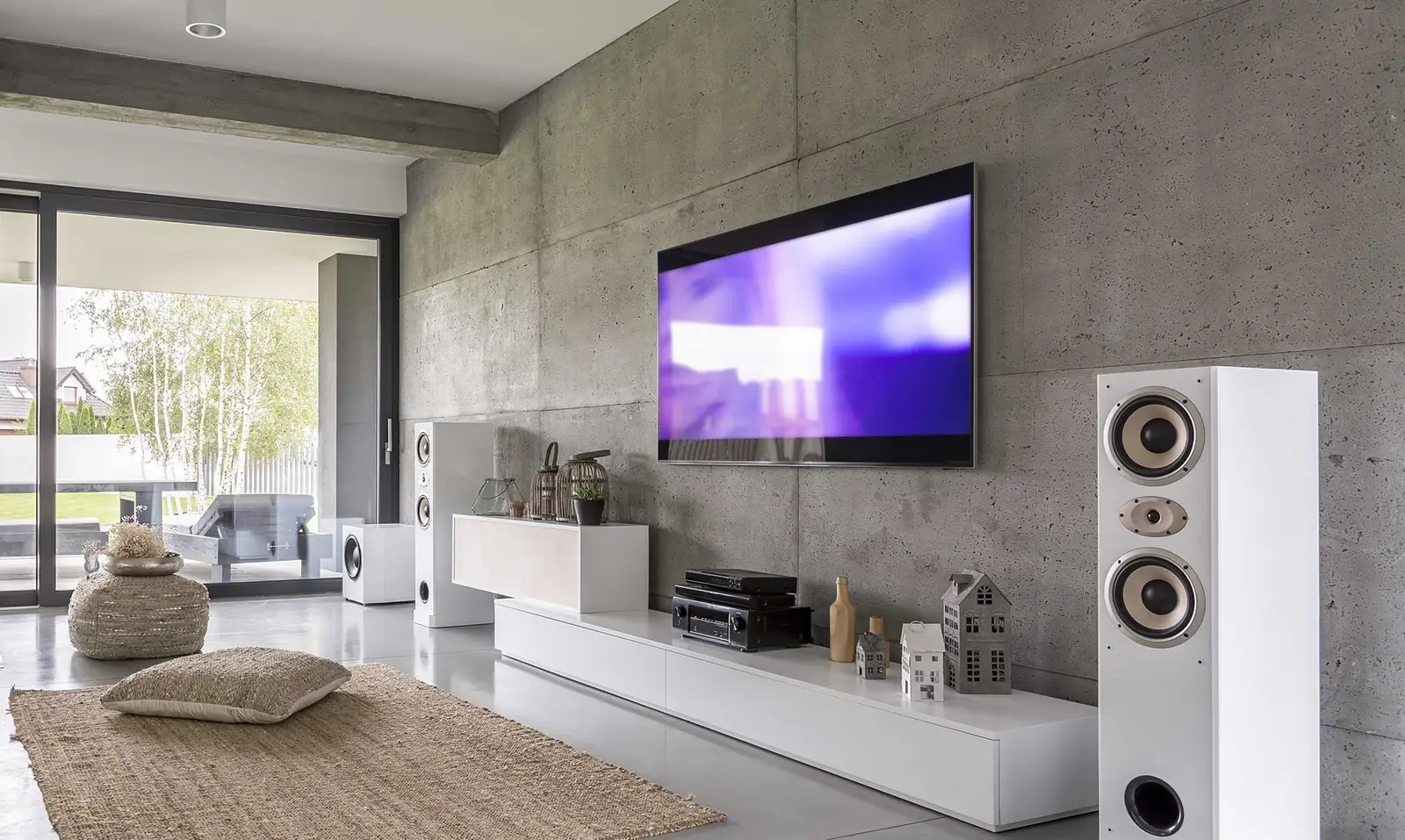
Audio-visual and home cinema
TV wall mounting, media walls, home cinema, multi-room music and commercial AV, designed and installed by our own team.
Find out more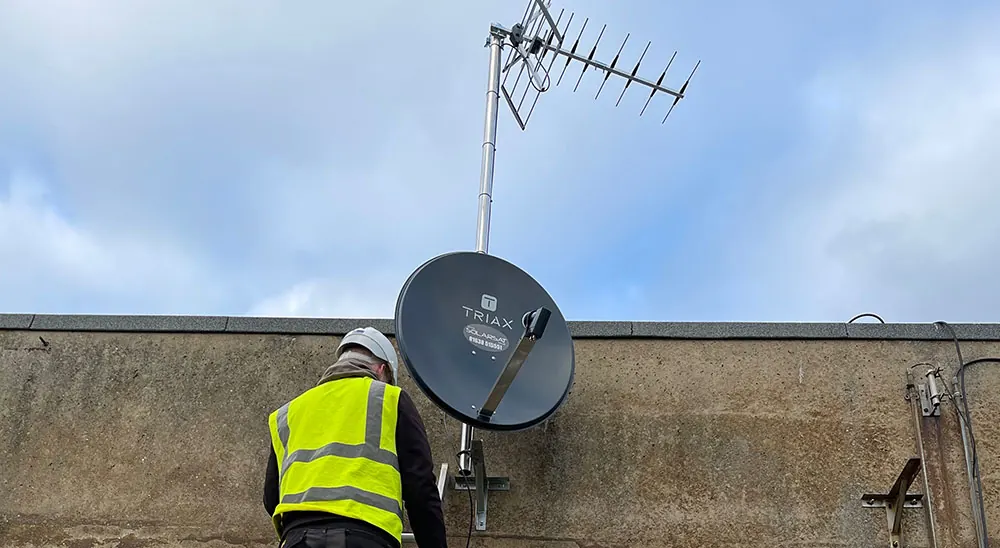
TV aerials
TV aerial installation, extra TV points, multi-point systems for flats and repairs, with over 20 years of experience.
Find out more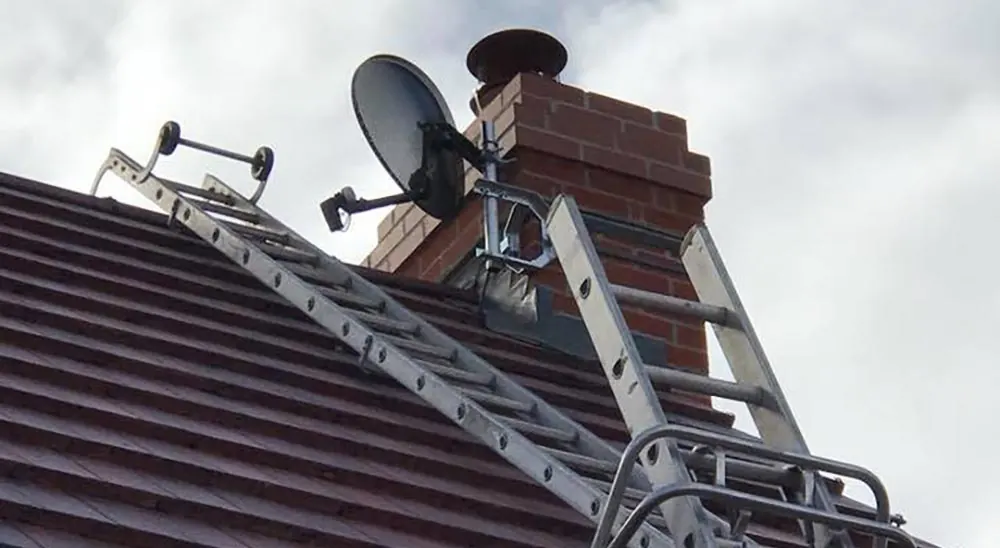
Satellite TV
Freesat, Sky and AFN installations, multi-dwelling systems and callout diagnostics for signal problems.
Find out moreData and network cabling
Wired network sockets, data cabinets and structured cabling for offices and homes, planned for growth and easy to maintain.
Find out more
FAQs
Frequently asked questions
Want advice for your own home or business?
Call our Mildenhall team or send an enquiry and we will talk through the options.
Enquiries
Ask us a question or get a quote
Tell us a little about your property and what you need. We will get back to you to talk it through.
- 01638 515551
- info@solarsat.co.uk
- Phones and email Monday to Saturday, 8:30am to 6pm
- 8 High Street, Mildenhall, Suffolk IP28 7EQ. Showroom visits by appointment.