
Solarsat guide
Projector and audio systems for halls and venues
A hall may host lessons, presentations, performances and community events, each with different requirements. Projector and audio equipment should be planned around the room, the audience and the people who need to operate it.
Phones and email Monday to Saturday, 8:30am to 6pm. Showroom visits by appointment.
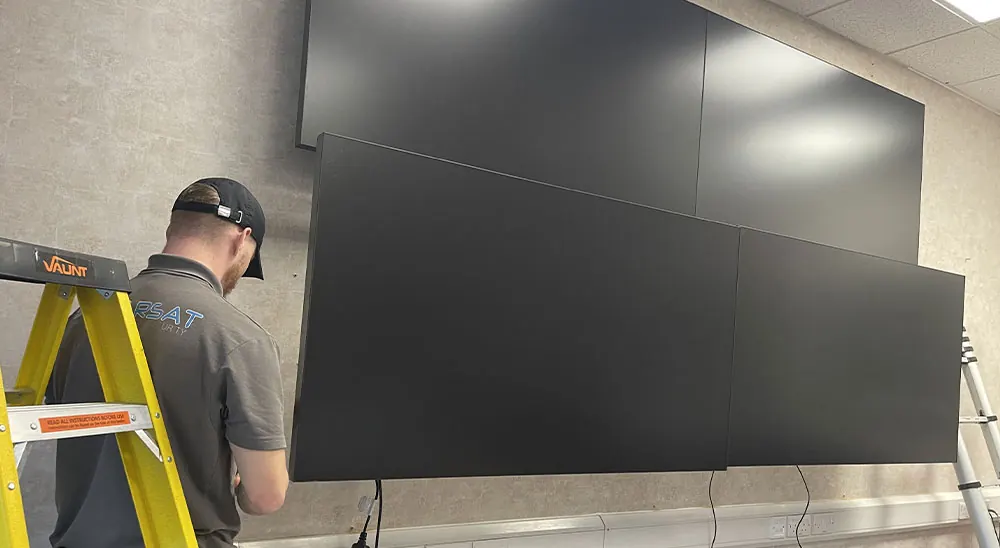
Map the room and its uses
List the activities the hall supports and how often the equipment is used. A presentation to seated visitors may need a different screen position from a performance or assembly where people stand across the room. Note audience capacity, seating arrangements, stage position and whether the hall must be cleared or reconfigured between events.
Inspect the likely projector location, screen surface, ceiling structure and available equipment points. Sightlines matter: people at the sides and rear should be able to see the image without heads, lighting or stage equipment getting in the way. A site survey can also reveal whether existing cabling or mounting points are suitable for reuse.
Choose projection around light and viewing
The image needs to remain readable under the hall's normal lighting. Windows, overhead lights and stage illumination can reduce contrast, so discuss how much light can be controlled during different events. Projector capability should be matched to the screen size, throw distance and content rather than selected in isolation.
Screen choice and position affect both visibility and room flexibility. A fixed screen may suit a dedicated presentation space, while a retractable screen can preserve other uses if the structure permits suitable installation. Check that the screen can be viewed from all planned seating areas and that it will not conflict with curtains, lighting bars or other equipment.
Design sound for speech and events
A hall's size and reflective surfaces can make speech difficult to understand. Loudspeaker locations should provide useful coverage across the audience without creating excessively loud areas near the front. The system may need to support spoken presentations, video sound and occasional performance use, so clarify the expected sources and microphone requirements.
Microphone selection depends on presenters, performers and the way events are run. Handheld microphones offer flexibility, while other types may suit fixed lecterns or hands-free presentation. Plan storage, charging where applicable and clear handover procedures so equipment is ready when needed. Any existing sound equipment should be checked for compatibility and condition.
Make connections and controls straightforward
Consider how staff and visiting presenters will connect laptops or other sources. Useful connection points should be accessible from the stage or presentation position, with clear labels and appropriate cable routes. If wireless presentation is required, check the network and device expectations rather than assuming every visitor can use the same method.
A single, clearly explained operating sequence can reduce delays at the start of an event. Controls should make it apparent how to select a source, lower or raise sound and shut the system down. Provide a brief guide and nominate people who can receive a practical handover, especially if the hall serves several departments or community groups.
Install safely and prepare for ongoing use
Projectors, screens and speakers need secure fixing points and considered cable routes. Work at height, access to the ceiling and coordination with other building systems should be planned in advance. Installation should avoid obstructing exits, signs and fire safety equipment, and any site permissions should be arranged before work begins.
After installation, test representative activities: a spoken presentation, video playback and a microphone from the usual speaking positions. Check the image at the rear and sides of the hall and listen for feedback or uneven sound. Keep equipment information and operating notes together, and arrange routine checks so faults are noticed before a scheduled event.
Storage and user handover
Storage and access arrangements are easy to overlook in a shared hall. Identify where microphones, adapters and any portable accessories will be kept, who can access them and how they are returned after use. A labelled storage point and a quick check before events can reduce the chance of equipment being misplaced or left uncharged.
Think about how the system will serve occasional users, not only the person who helped plan it. A caretaker, teacher or event organiser may need to operate the room with little preparation. Keep the essential controls visible, use plain labels and explain whom to contact if a connection or sound problem persists. This practical handover is part of making the installation useful.
Before committing to a projector and screen size for a hall, check ambient daylight from high windows and confirm safe access for future maintenance or filter cleaning.
Have a question about your own property? Contact our Mildenhall team.
Related services
Services this guide covers
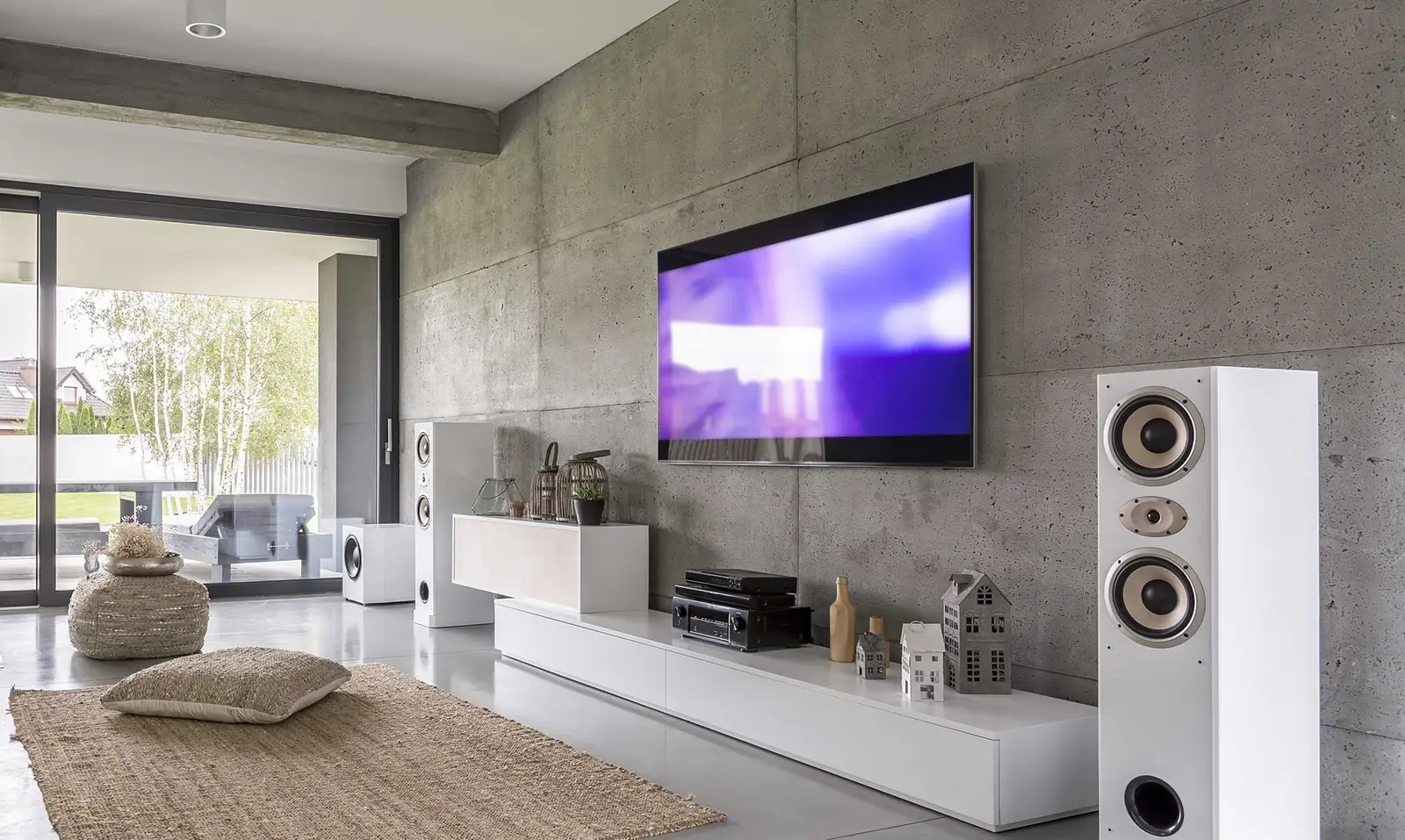
Projector installation
Projectors and screens chosen for the room, mounted in the right place with hidden cables and simple control.
Find out more
PA system installation
Public address systems for offices, warehouses, venues and outdoor spaces, with clear announcements, zones and simple control.
Find out moreAudio-visual and home cinema
TV wall mounting, media walls, home cinema, multi-room music and commercial AV, designed and installed by our own team.
Find out more
FAQs
Frequently asked questions
Want advice for your own home or business?
Call our Mildenhall team or send an enquiry and we will talk through the options.
Enquiries
Ask us a question or get a quote
Tell us a little about your property and what you need. We will get back to you to talk it through.
- 01638 515551
- info@solarsat.co.uk
- Phones and email Monday to Saturday, 8:30am to 6pm
- 8 High Street, Mildenhall, Suffolk IP28 7EQ. Showroom visits by appointment.