
Solarsat guide
Choosing how your CCTV cameras connect and record
The useful question is not simply whether a camera is wired or wireless. You need to know how it gets power, how pictures reach the recorder and what happens when a connection fails. Those decisions affect reliability, installation work and everyday upkeep.
Phones and email Monday to Saturday, 8:30am to 6pm. Showroom visits by appointment.
Separate the power supply from the data connection
A PoE camera receives power and carries network data through one suitable Ethernet cable. PoE means Power over Ethernet. The cable normally runs to a compatible network recorder or PoE switch, with the equipment providing power located indoors. This gives each camera a defined connection rather than relying on wireless reception at the mounting point.
A Wi-Fi camera sends data wirelessly, but it may still need a cable from a nearby power supply. A battery camera removes that permanent power lead, although its recording behaviour and charging needs depend on the model and settings. Wireless does not automatically mean continuous recording or freedom from maintenance.
Sketch the complete route from camera to recording location. Include switches, access points, power supplies and the router where relevant. This makes comparisons clearer than treating every product described as wireless as the same arrangement.
Compare reliability with installation disruption
A correctly installed wired connection avoids the changing signal conditions that affect Wi-Fi. Thick walls, foil insulation, metal cladding and busy wireless channels can all make a camera connection less dependable. Good reception beside the router says little about reception outside at the final camera position.
Cabling takes planning. Routes may involve loft access, surface containment or carefully sealed wall penetrations. Finished decoration and inaccessible voids can make a retrofit more involved, while renovation work offers a useful opportunity to put suitable routes in place before surfaces are closed.
Wi-Fi can reduce data cabling where a reliable network already reaches the camera. Test that connection under realistic conditions before deciding. Neither approach removes the need for sound mounting, weather protection and an accessible maintenance plan. Any mains electrical alterations need appropriate professional attention.
Decide where recordings will be kept
Wired and wireless describe connections, not necessarily storage. Depending on the equipment, footage may be stored on a recorder, a camera memory card, a cloud service or a combination. Check the actual recording arrangement rather than assuming that every wired system records locally or every wireless system needs a subscription.
Compare continuous recording with event recording. Battery cameras often conserve energy by waking for events, which can affect what happens before and between clips. Ask how the proposed equipment handles repeated activity, recording gaps and a lost connection. Features vary, so read the specification for the exact arrangement.
Check whether playback, clip downloads or longer cloud retention require an ongoing payment. Establish what still works if internet access fails or a subscription ends. Local recording may continue without broadband where the design supports it, while remote access normally depends on an internet connection.
Plan outbuildings, security and routine upkeep
A detached garage or workshop needs a connection plan of its own. House Wi-Fi may not travel reliably through several walls and across a garden. Depending on the site, suitable options can include a professionally planned cable route, fibre or a correctly positioned wireless bridge. Check power availability as well as data.
Copper links between separate buildings need careful consideration of distance, earthing and surge risks. Do not assume an ordinary indoor patch lead can be buried or clipped outside. A survey should establish the right cable type, protection and route, or whether a different connection is more appropriate.
Keep firmware supported, use unique passwords and restrict account access whichever architecture you choose. Include lens cleaning, connection checks and storage health in routine upkeep. For battery cameras, plan safe access for charging and check how temperature, activity and recording settings affect the workload.
Common mistakes to avoid
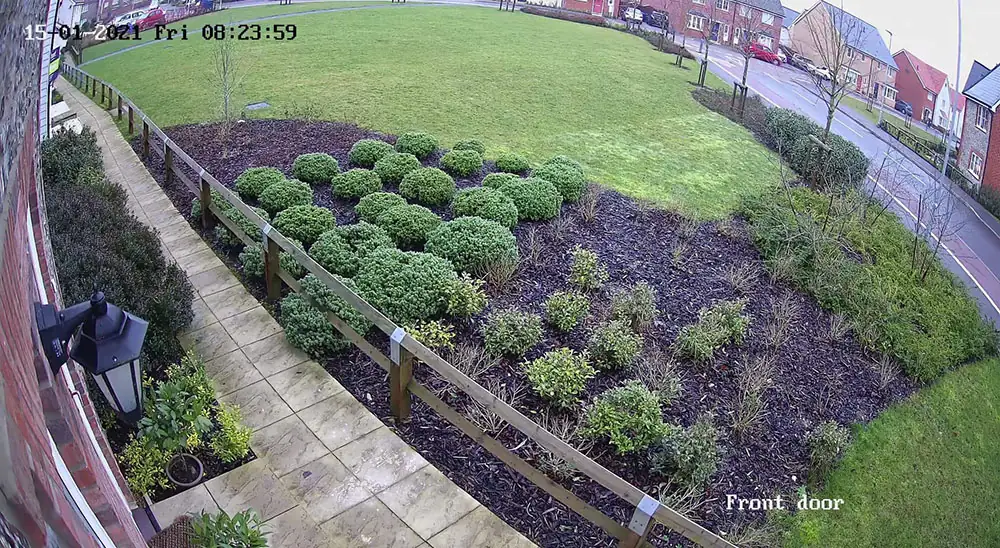
Choosing from a camera picture alone can hide practical weaknesses. A sharp demonstration image does not show whether your wall blocks Wi-Fi, whether a charger is awkward to reach or whether the system records the whole event. Test the proposed arrangement rather than relying on a label.
Another mistake is forgetting the shared points of failure. PoE cameras may all depend on one switch or recorder supply. Wireless cameras may depend on one access point, router or cloud connection. Identify those dependencies and decide whether backup power or a different layout is justified.
Avoid placing equipment where routine work requires unsafe ladder access. Do not hide power adapters in inaccessible or unsuitable spaces. Leave room around recording equipment for ventilation and servicing, and label connections so a later router change does not become a guessing exercise.
When to hire a professional installer
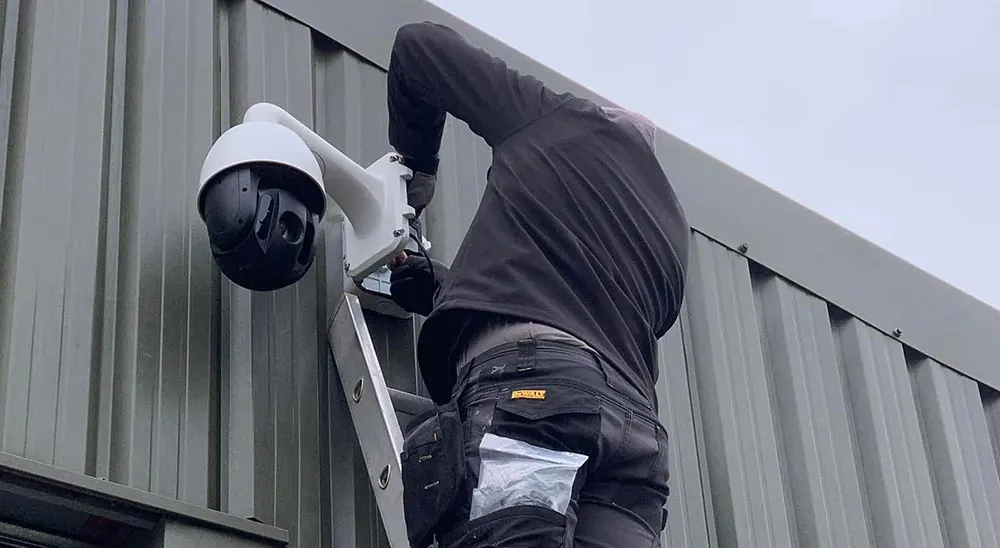
Bring in an installer when cable routes are difficult, several cameras need coordinating or an outbuilding needs a dependable link. Professional planning is also useful when you need continuous coverage, want to reuse existing wiring or cannot easily reach the proposed camera positions for testing.
A useful survey starts with what each view must show and how footage will be recorded. Ask for a clear explanation of the power arrangement, network route and any subscription dependencies. There should also be a practical plan for updates, storage checks and replacing failed components.
At handover, ask to see live pictures and recorded playback, then confirm how the system reports a disconnected camera. Keep a simple equipment and connection record. The best choice is the arrangement you can operate and maintain confidently, not whichever description sounds most convenient.
Have a question about your own property? Contact our Mildenhall team.
FAQs
Frequently asked questions
Want advice for your own home or business?
Call our Mildenhall team or send an enquiry and we will talk through the options.
Enquiries
Ask us a question or get a quote
Tell us a little about your property and what you need. We will get back to you to talk it through.
- 01638 515551
- info@solarsat.co.uk
- Phones and email Monday to Saturday, 8:30am to 6pm
- 8 High Street, Mildenhall, Suffolk IP28 7EQ. Showroom visits by appointment.